![ideawake-logo-simple-no-padding-1.png]](https://academy.ideawake.com/hs-fs/hubfs/ideawake-logo-simple-no-padding-1.png?height=30&name=ideawake-logo-simple-no-padding-1.png)
This video will demonstrate how you can view all the ideas you have submitted on the platform
Option 1: How to ideas in a specific challenge
Click on the challenge link or thumbnail.

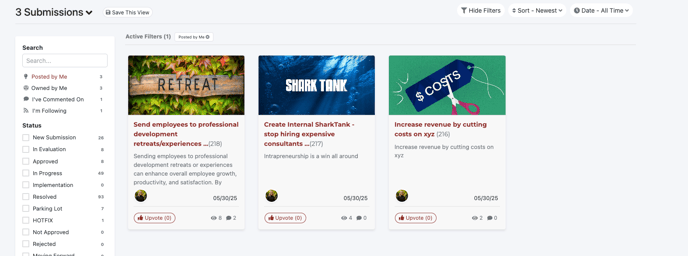
Click on the 'posted by Me' filter on the right hand side to view all your ideas you have posted in a specific challenge
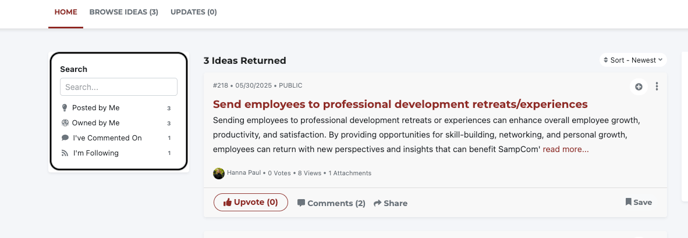
Option 2: How to view all your ideas on the platform
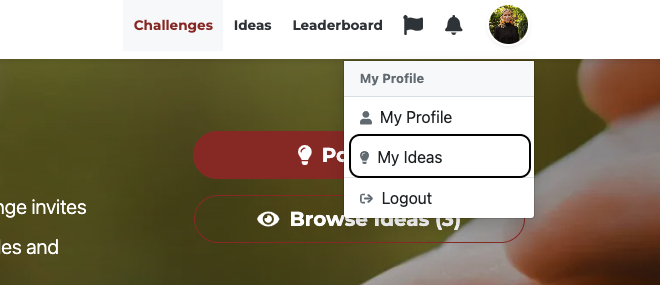
Click on your profile image in the top right hand corner of the screen

Select 'My Ideas' from the drop down menu
This will take you to a landing page where you will now see all your ideas across the entire community platform