![ideawake-logo-simple-no-padding-1.png]](https://academy.ideawake.com/hs-fs/hubfs/ideawake-logo-simple-no-padding-1.png?height=30&name=ideawake-logo-simple-no-padding-1.png)
Edit filters on ideas list pages
*Note: You must be an administrator or moderator to perform this action
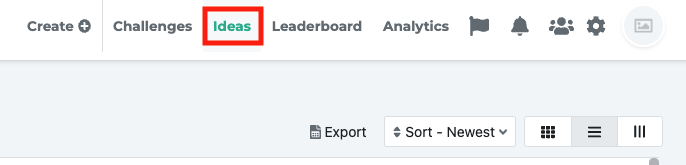
Once logged in, go to the ideas list page on your platform
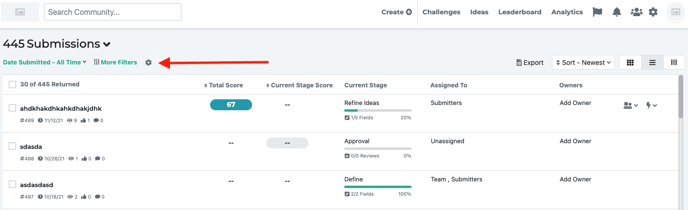
Click on the gear icon
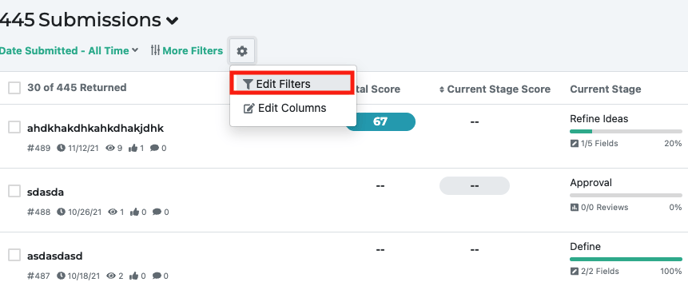
Click on ‘edit filters’ from drop down menu
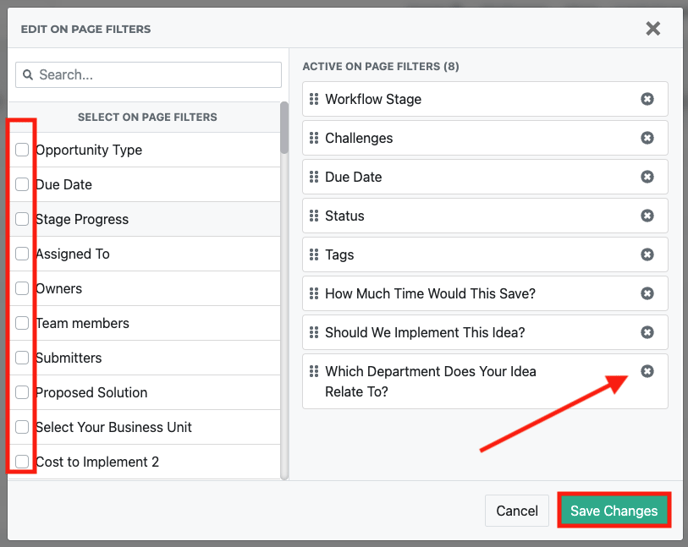
The edit page filters modal will pop-up
- use the search bar to find a specific filter you want to select
- you can drag and drop the filters to the order you prefer
- click the checkboxes next to select the filters you want to add
- click on save changes button
Your filter updates will be reflected on the ideas page on the left hand side
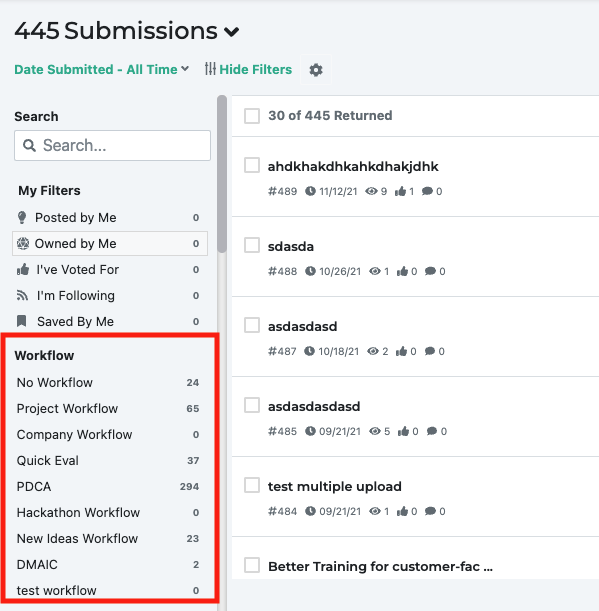
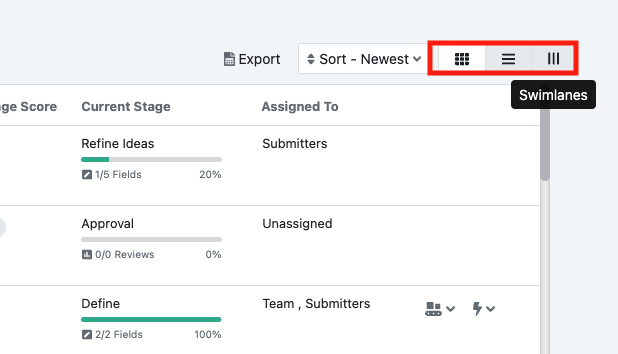
You will need to update the filters on each list pages (swim lanes versus card sort view) at this time