![ideawake-logo-simple-no-padding-1.png]](https://academy.ideawake.com/hs-fs/hubfs/ideawake-logo-simple-no-padding-1.png?height=30&name=ideawake-logo-simple-no-padding-1.png)
Create Groups
Log in as Admin or Moderator & click on gear icon in top right hand corner

Select "Manage Groups" on Drop-Down Menu

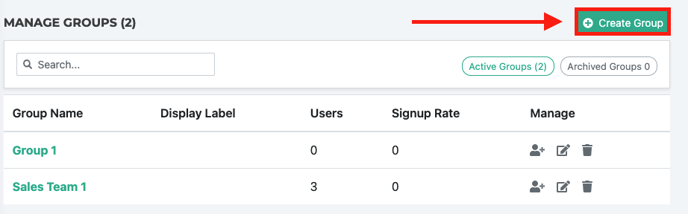
Click on Green '+ Create Groups' Button
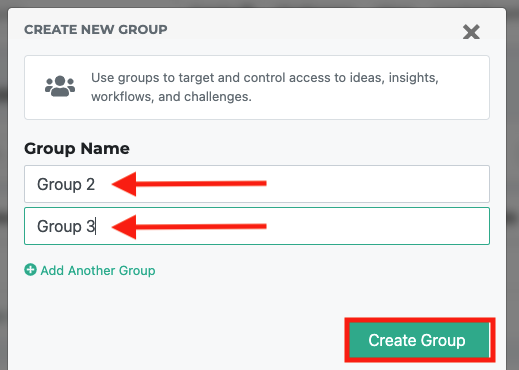
Name your group(s), Click Green "Create Group' button when finished
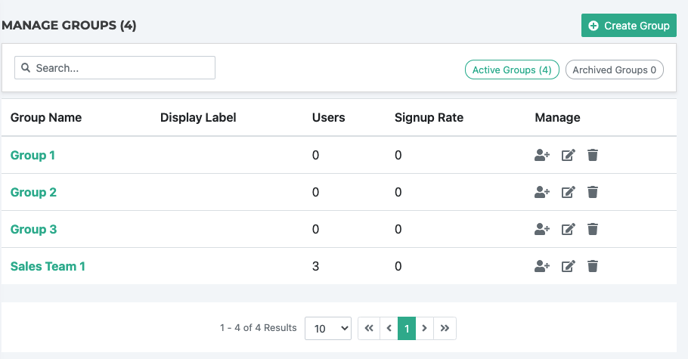
View Table of list of Groups
Add Users to Group
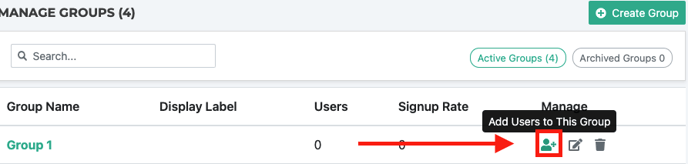
Click on 'Add Users' Button
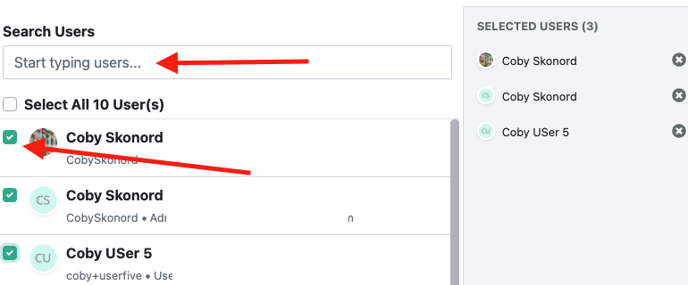
Select users to be added to group
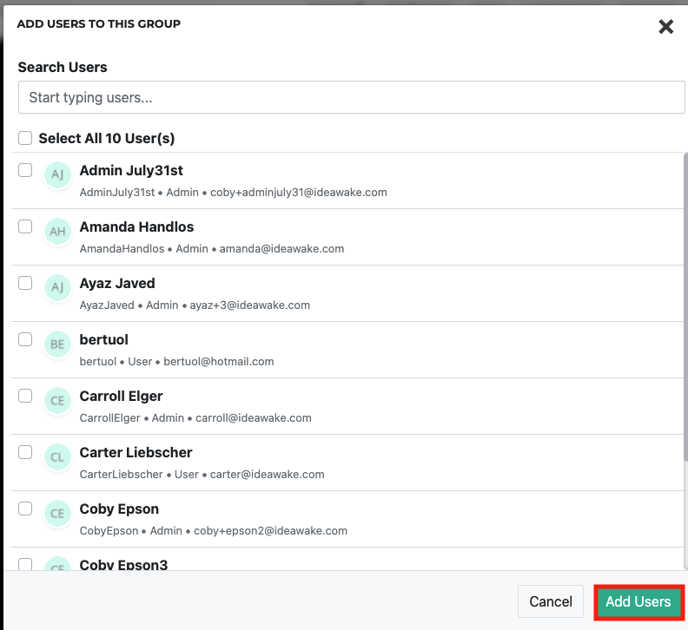
Click Green 'Add Users' Button
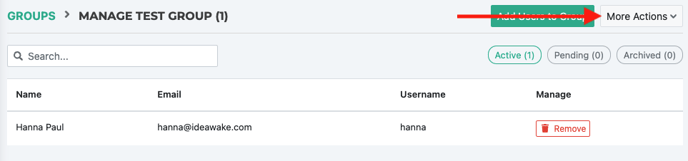
- Find additional settings by click on the ‘more options’ button on how to edit group, resend invites, export user lists, manage group roles and archive the group