![ideawake-logo-simple-no-padding-1.png]](https://academy.ideawake.com/hs-fs/hubfs/ideawake-logo-simple-no-padding-1.png?height=30&name=ideawake-logo-simple-no-padding-1.png)
This tutorial guides you through Viewing your Saved and bookmarked Ideas. There are two ways to do that.
1. Open Your Profile
Select 'My Profile' from the drop down menu.

2. View Your Bookmarks
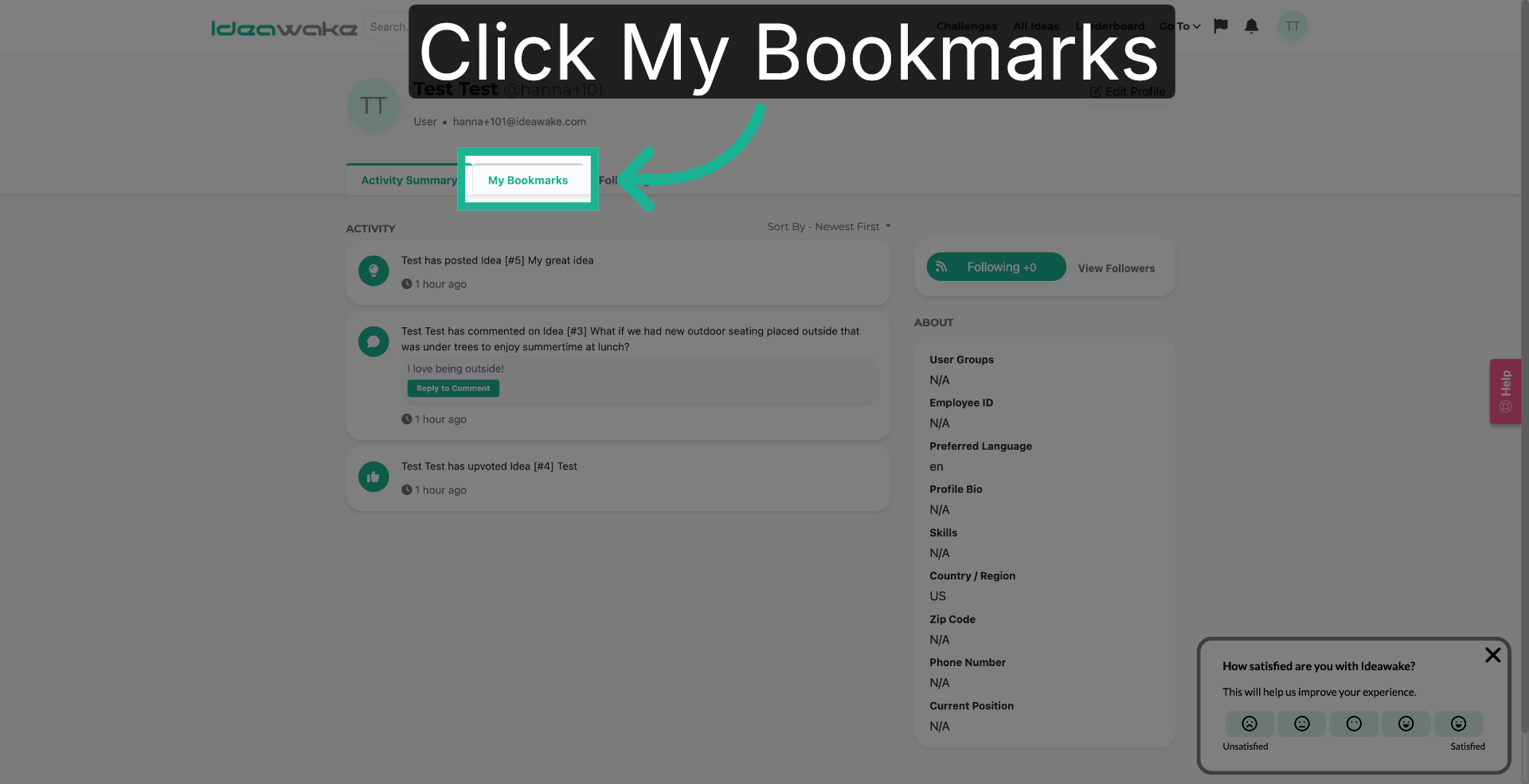
You will land on your profile page. Click on the "My Bookmarks" tab to see ideas you have bookmarked for quick access later.
3. View Saved Items - Challenge Page
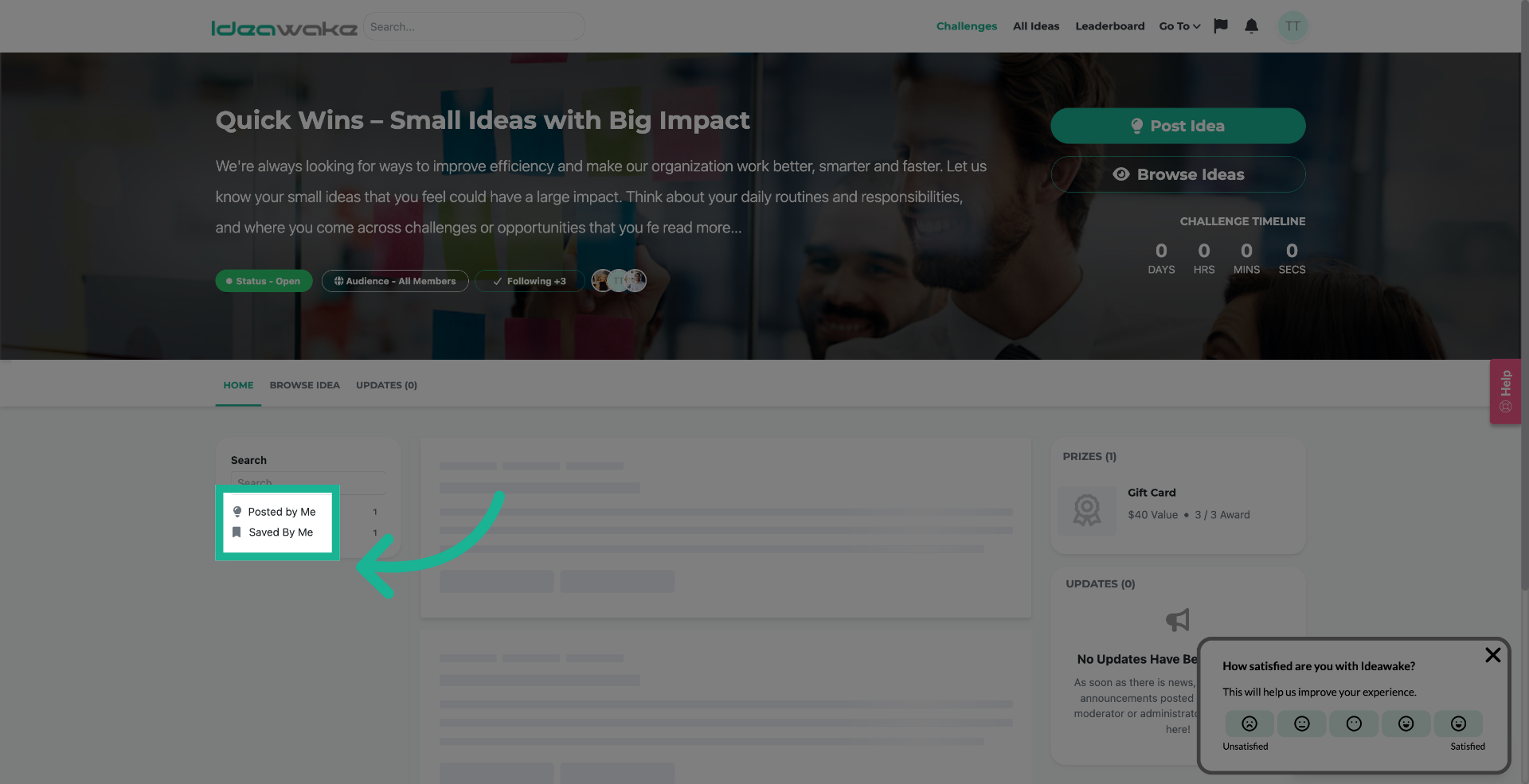
Option 2: when you are on a challenge homepage, you can click on the 'saved by me' filter on the right hand side of the challenge homepage.
4. View Saved Items - All Ideas
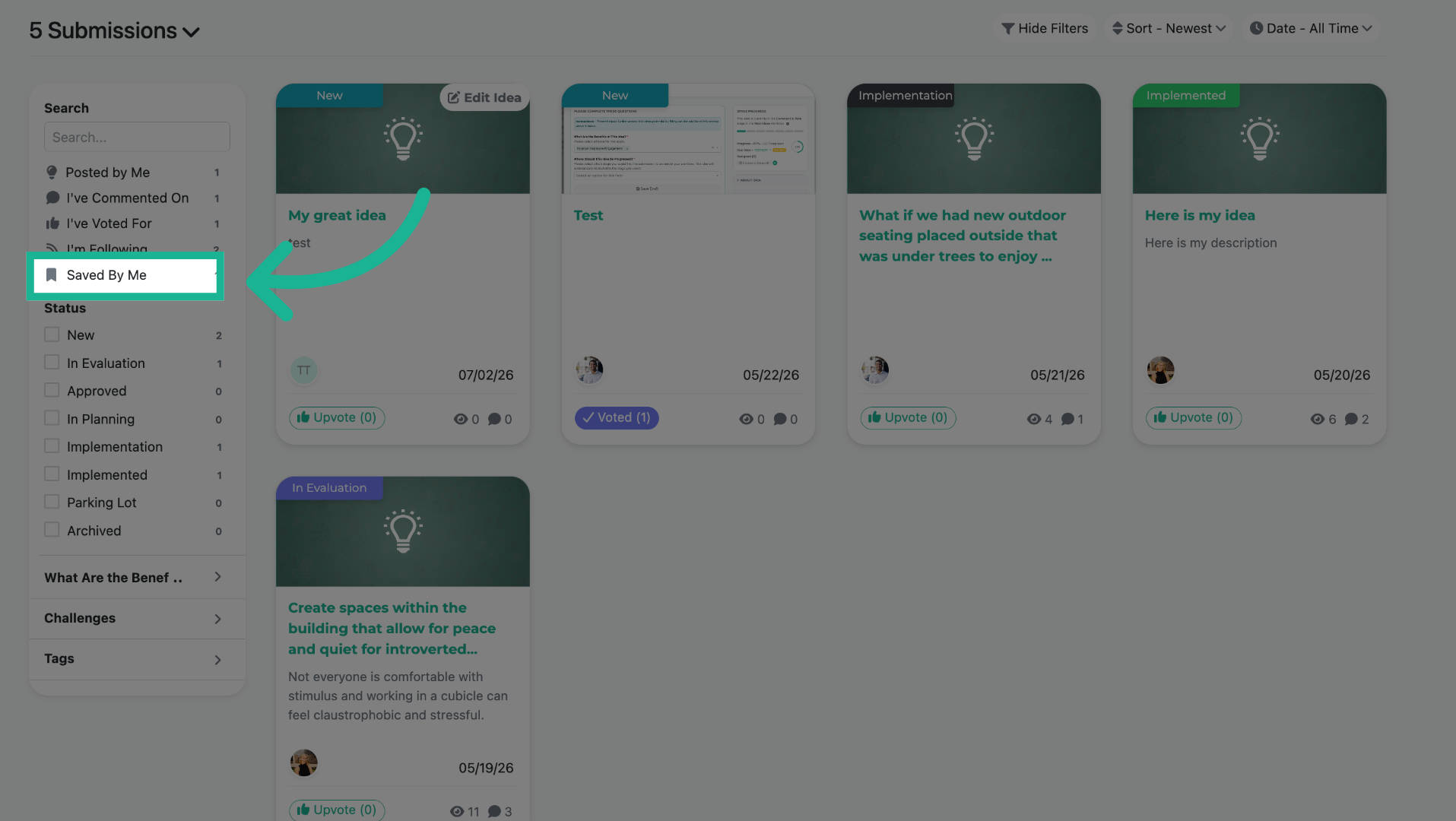
If the all ideas page is enabled, you an also view all saved ideas across the community that are saved by you.
You have successfully learned how to save ideas.