![ideawake-logo-simple-no-padding-1.png]](https://academy.ideawake.com/hs-fs/hubfs/ideawake-logo-simple-no-padding-1.png?height=30&name=ideawake-logo-simple-no-padding-1.png)
This tutorial guides you through accessing and reviewing your activity summary within Ideawake
1. Open Ideawake Menu
First, Click on your profile icon in the right hand corner.

2. Access My Profile
Click "My Profile" from the drop down menu to view your personal account settings and information.

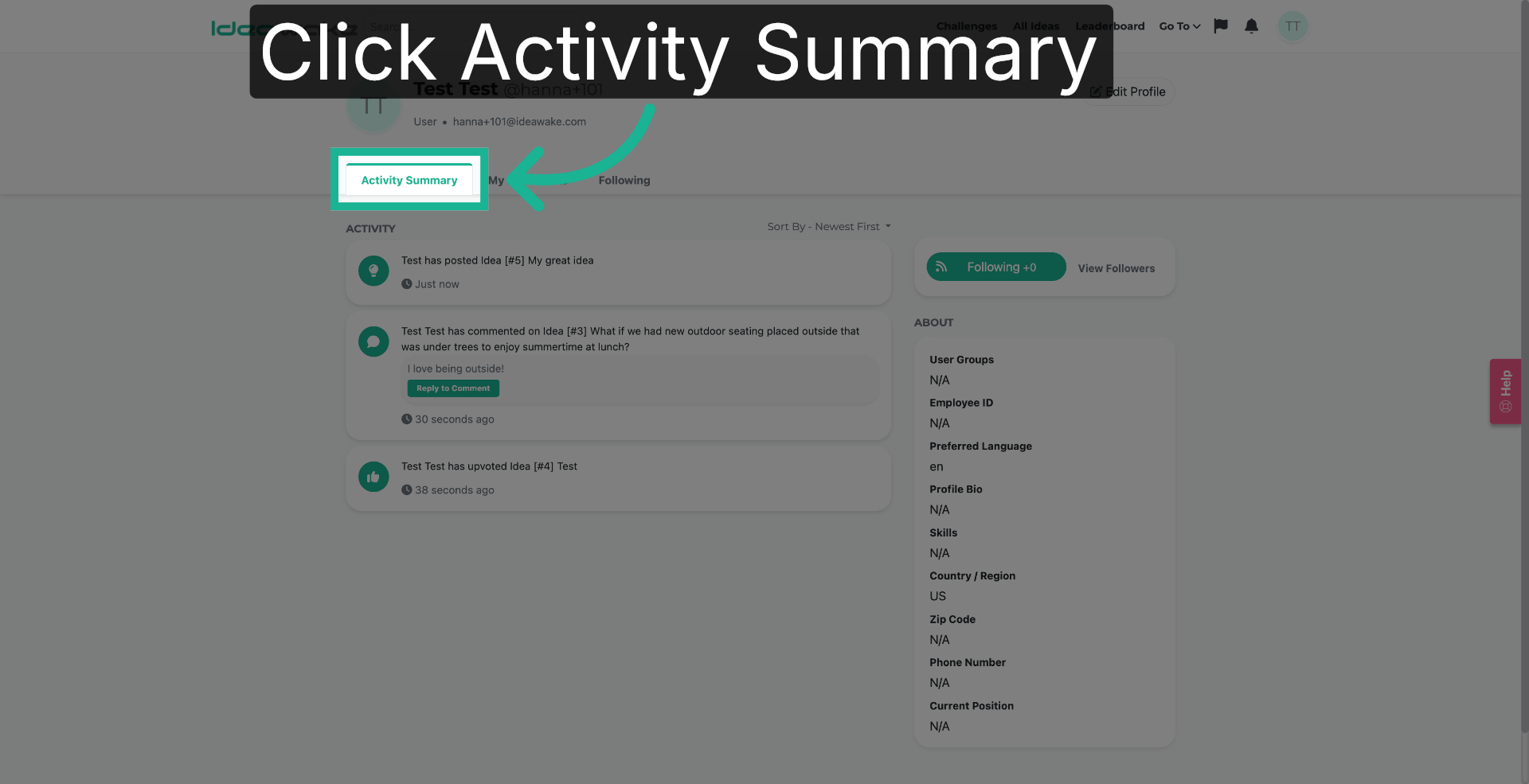
3. Open Activity Summary
You will land on the "Activity Summary" tab to see an overview of your recent actions and contributions.
You have successfully accessed your Ideawake profile and reviewed your activity summary.