![ideawake-logo-simple-no-padding-1.png]](https://academy.ideawake.com/hs-fs/hubfs/ideawake-logo-simple-no-padding-1.png?height=30&name=ideawake-logo-simple-no-padding-1.png)
This tutorial guides you through Enabling the Milestones & Tasks feature for Project Management
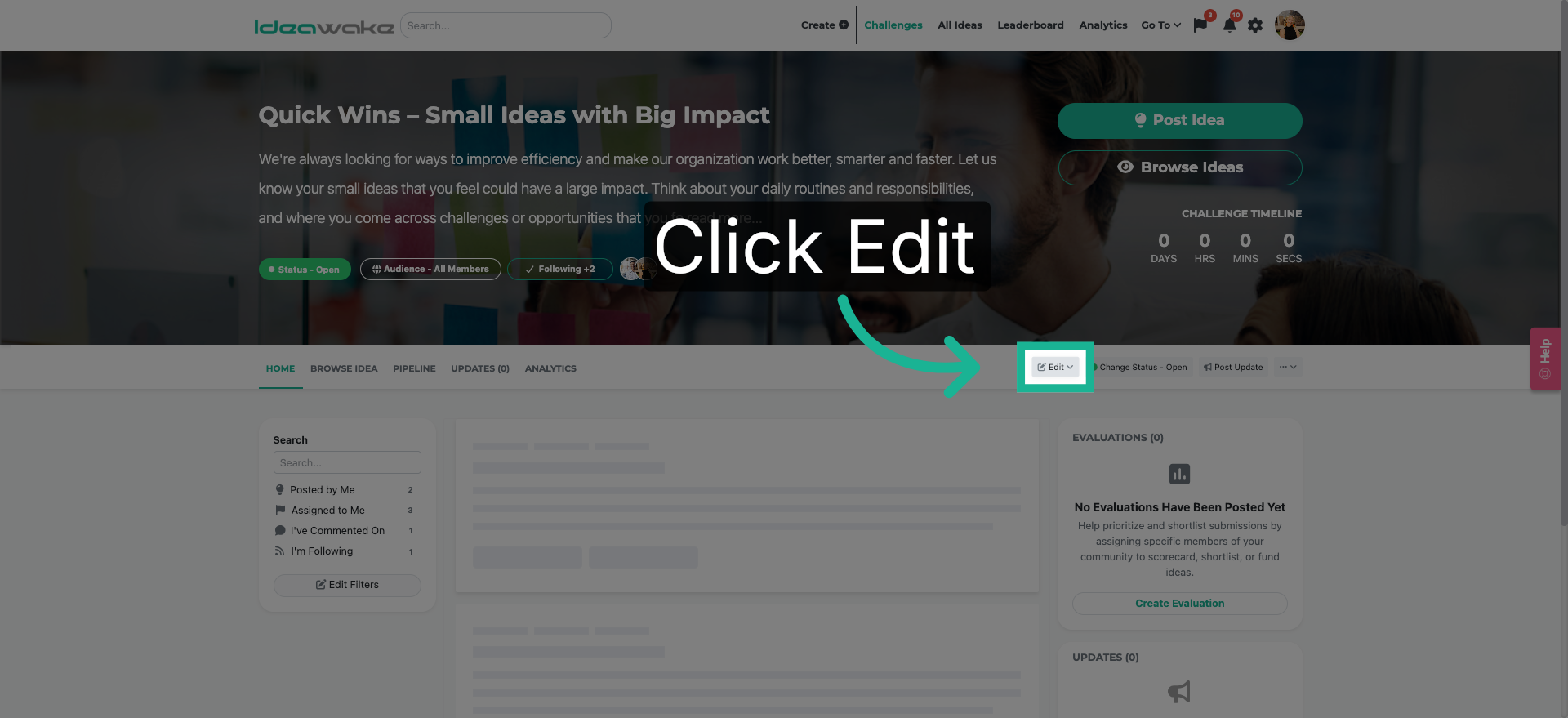
1. Open Edit Options
Click the "Edit" button to open the challenge settings menu.
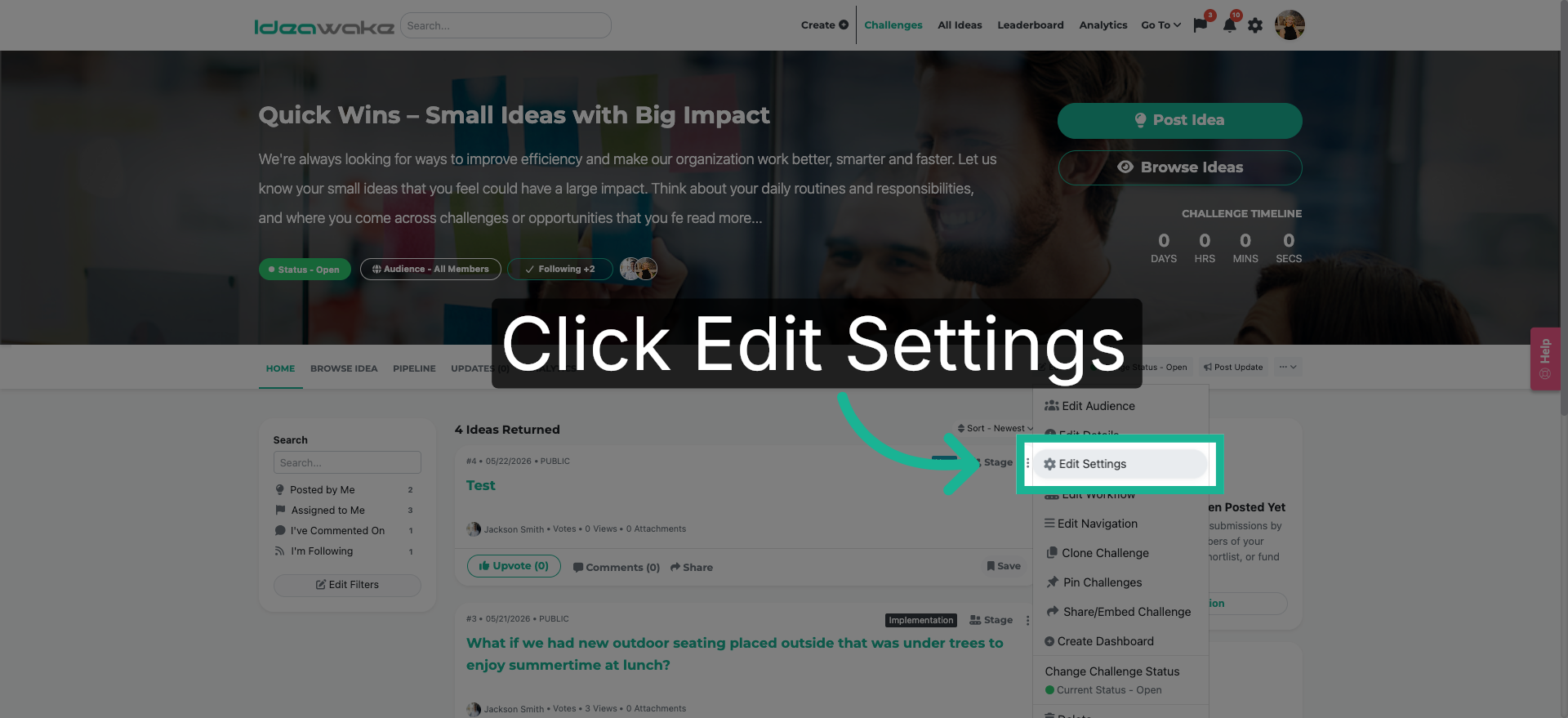
2. Access Edit Settings
Select "Edit Settings" on the drop down menu.
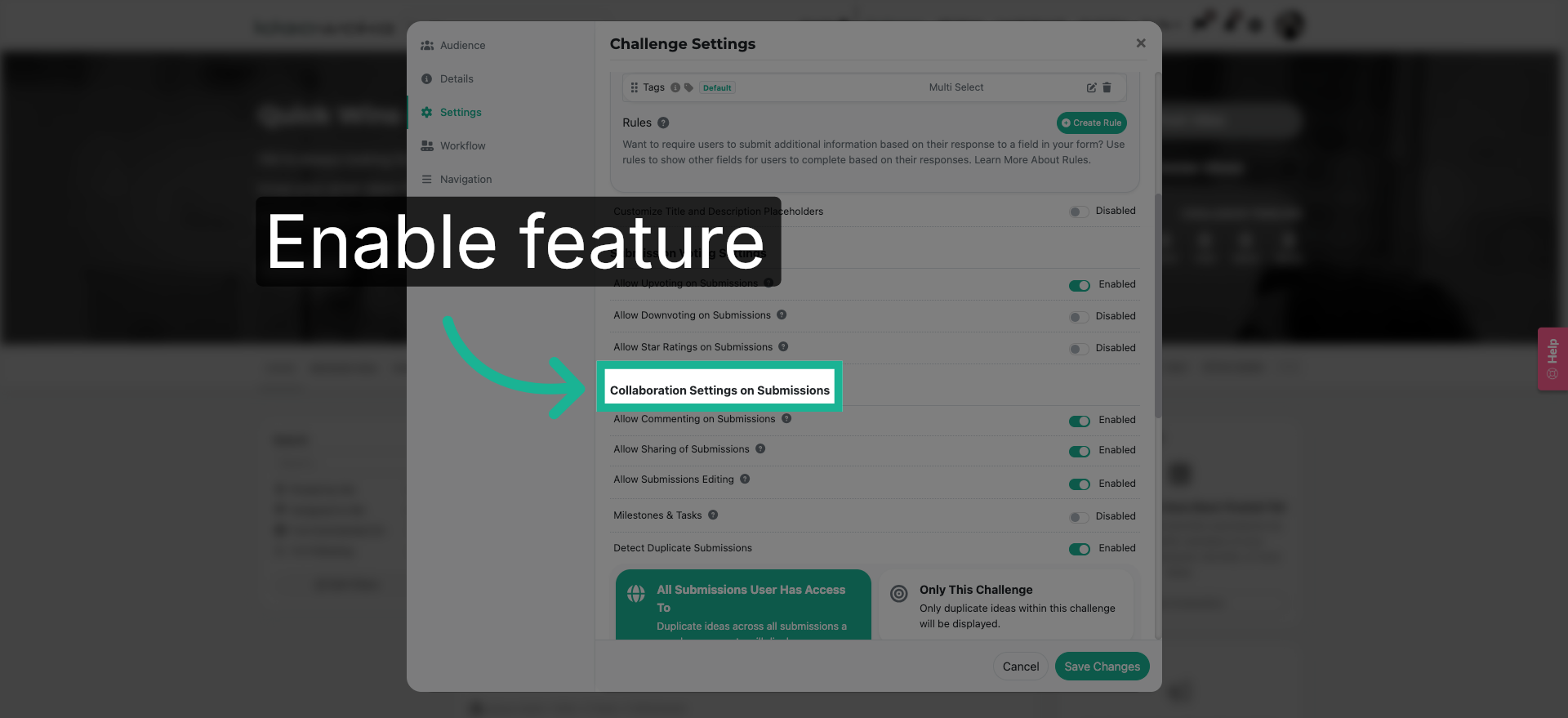
3. Navigate to Collab Settings
Navigate to the collaboration settings.
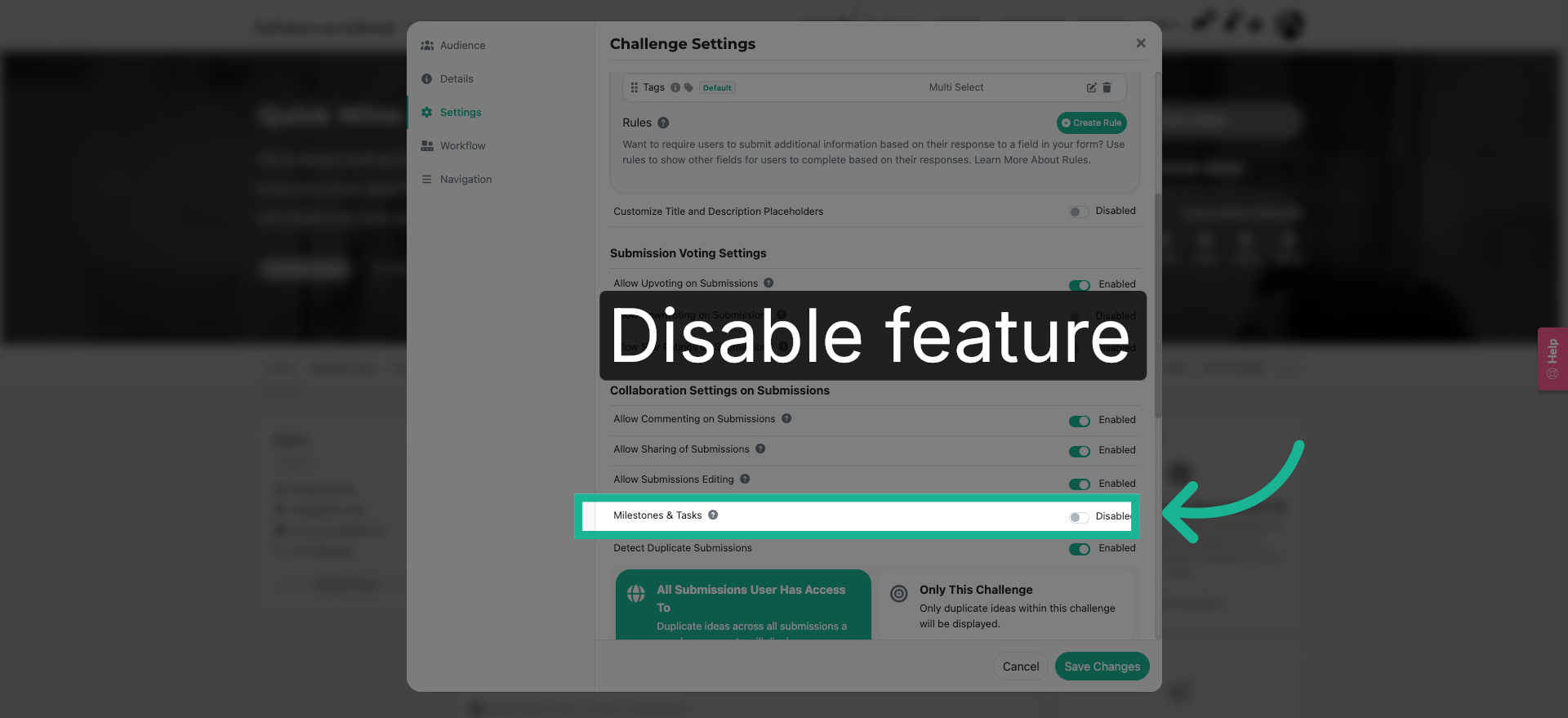
4. Enable Feature
Click the "Disabled" to activate this feature.
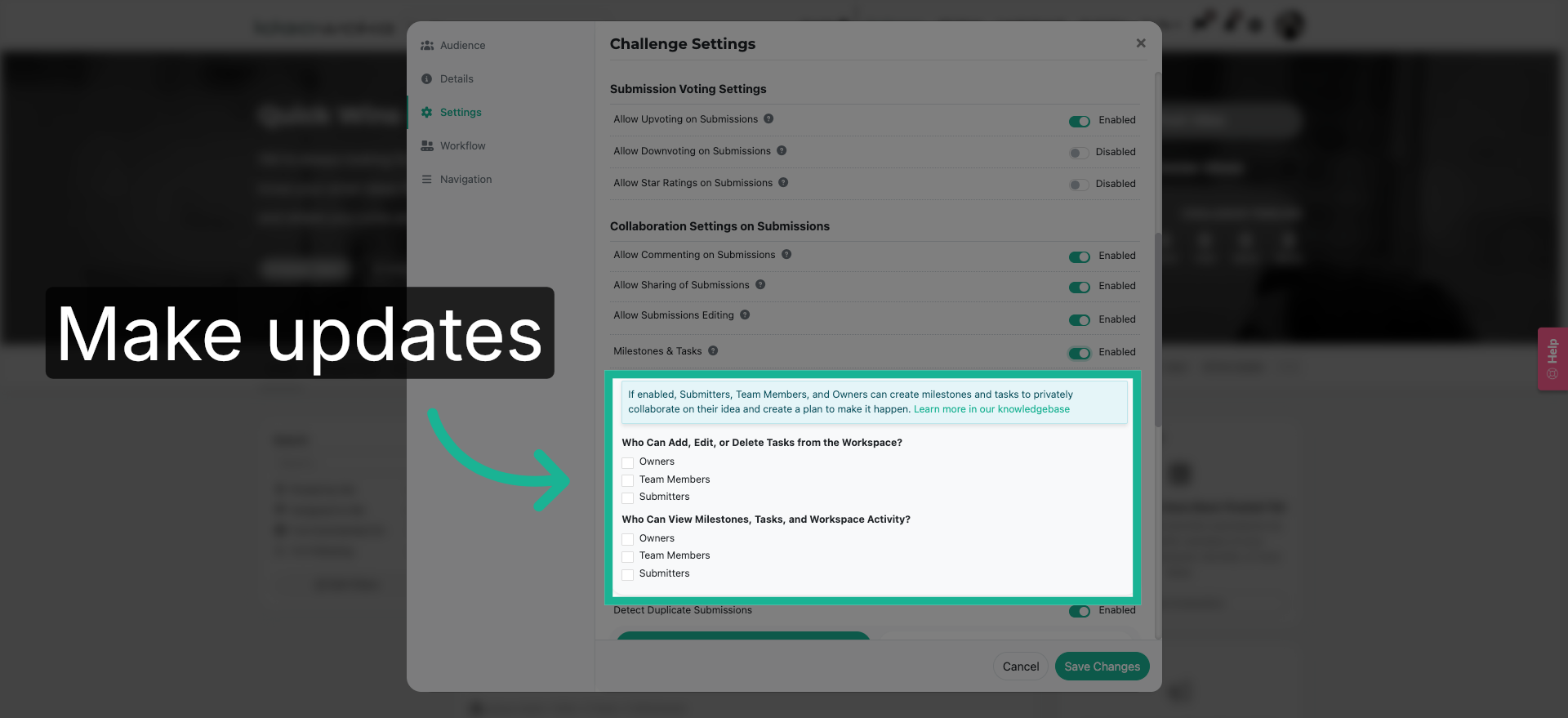
5. Update additional settings
Additional settings will appear. Make the desired updates.
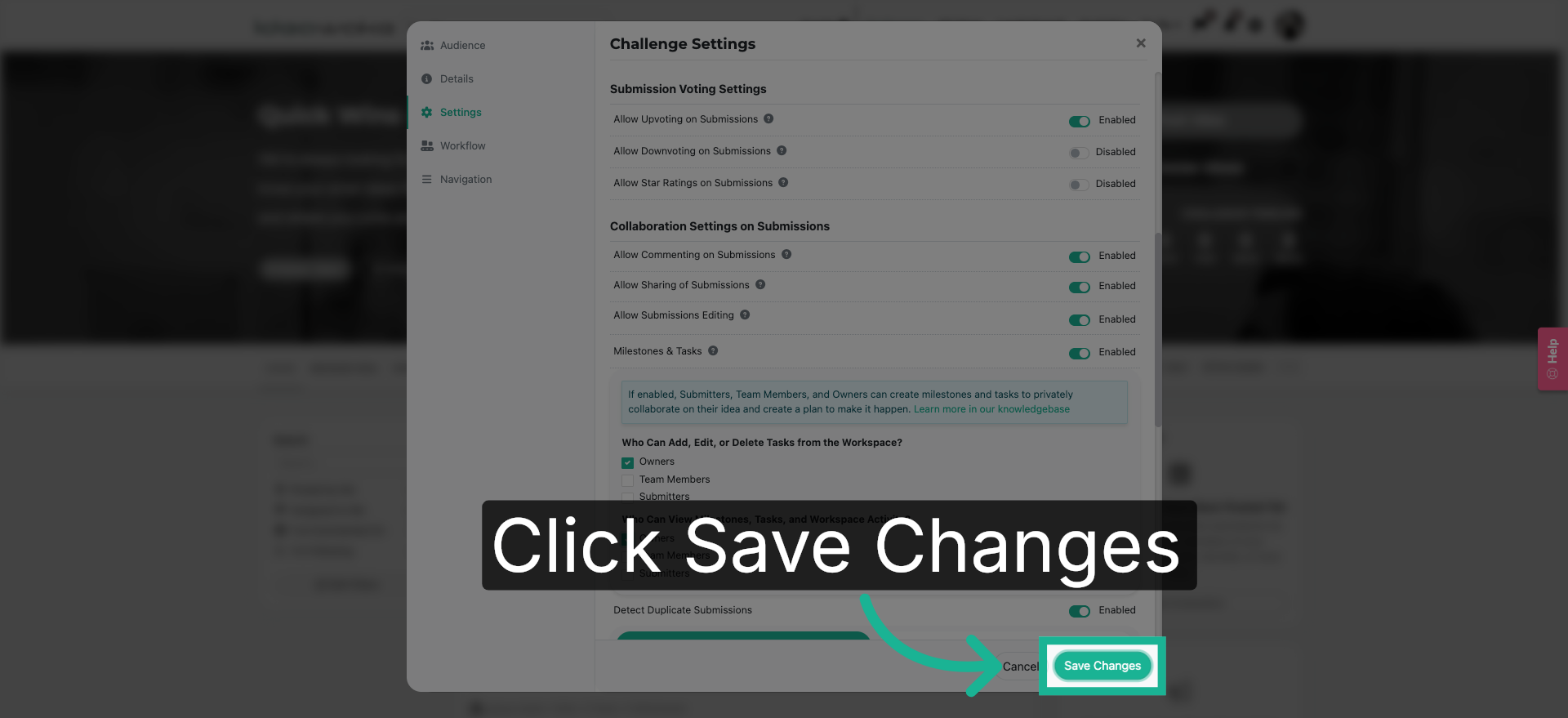
6. Save Configuration Changes
Click the "Save Changes" button to apply and save all modifications made to your settings.
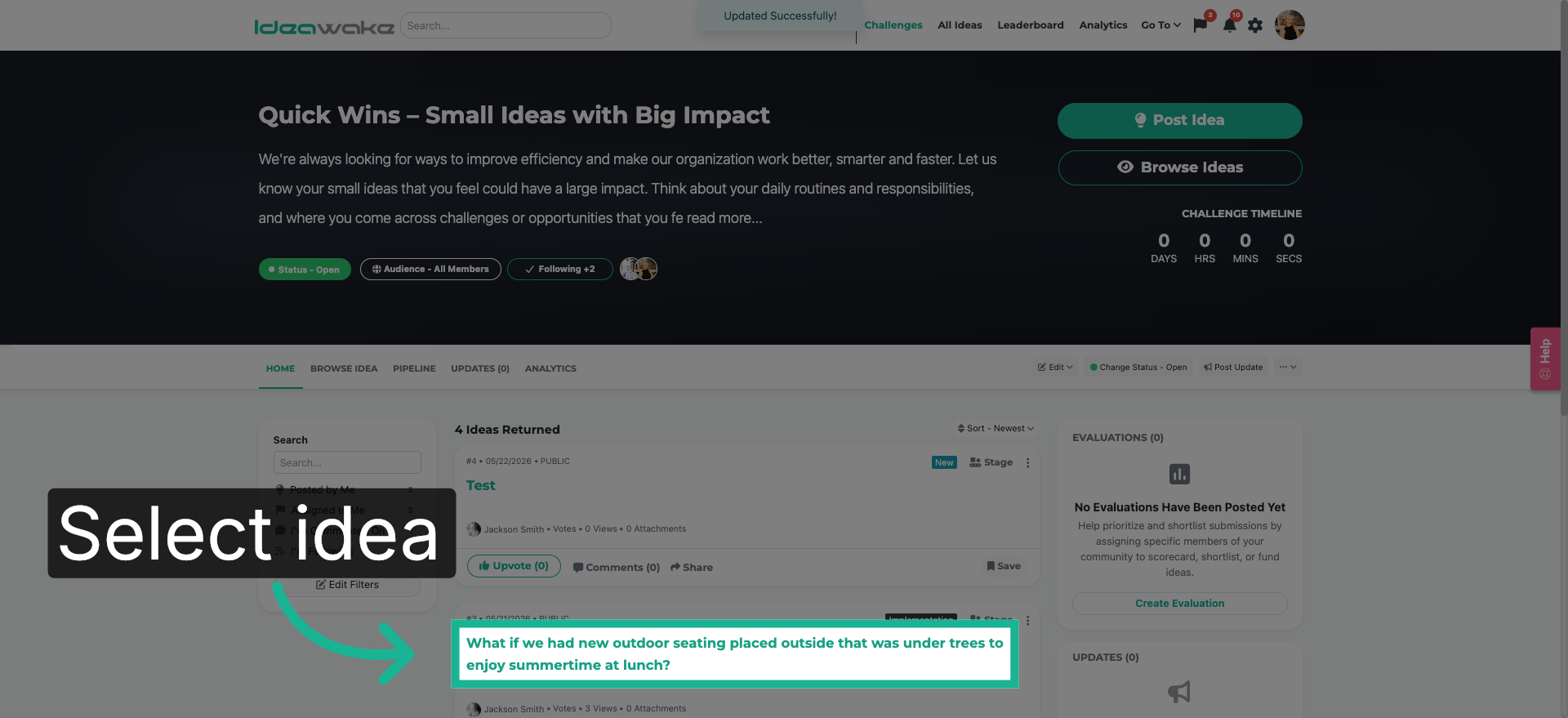
7. Select Idea For Task
Now lets see this feature in action. Click on any idea title to open the idea pop-up screen
8. Initiate New Task Creation
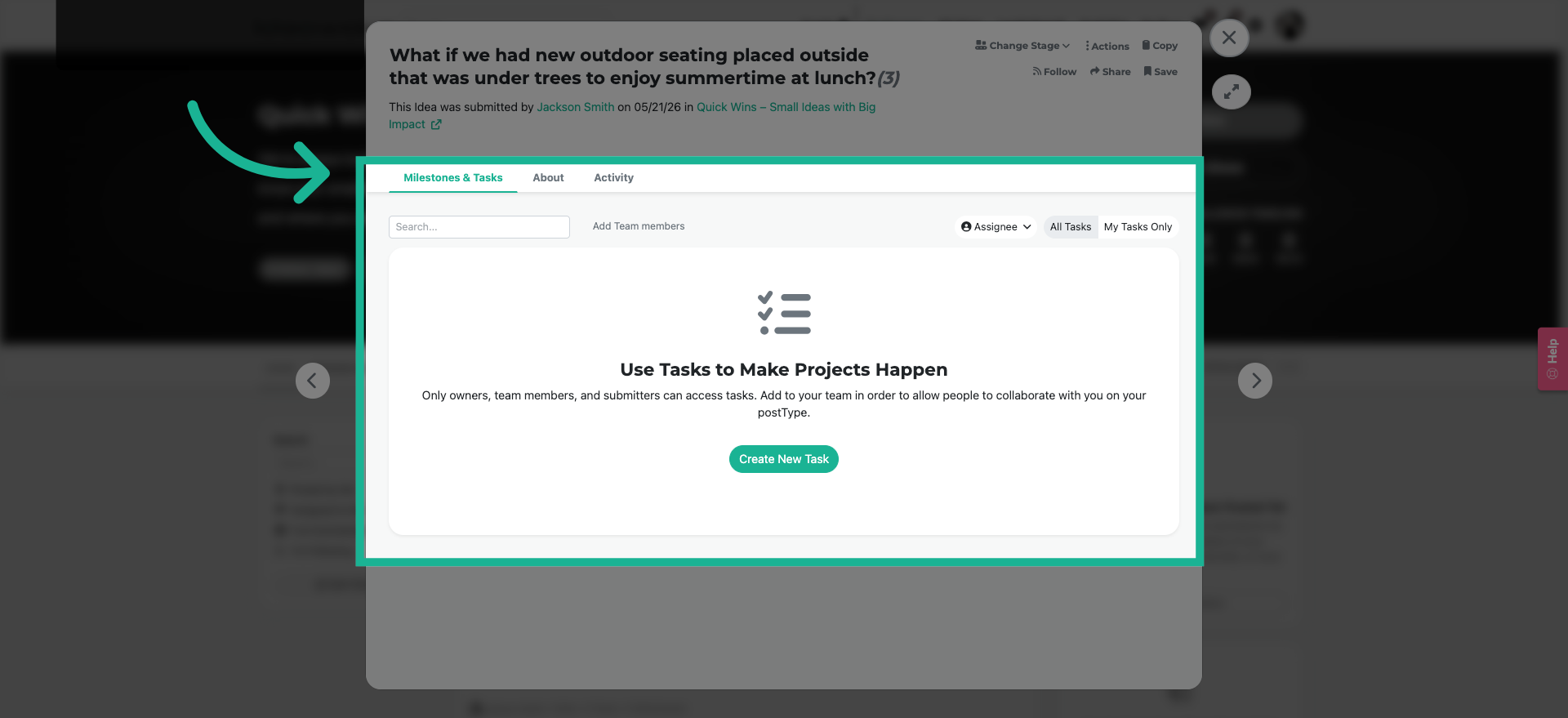
Now there will be a milestones and tasks tab enabled on all submissions for the selected users in the settings.
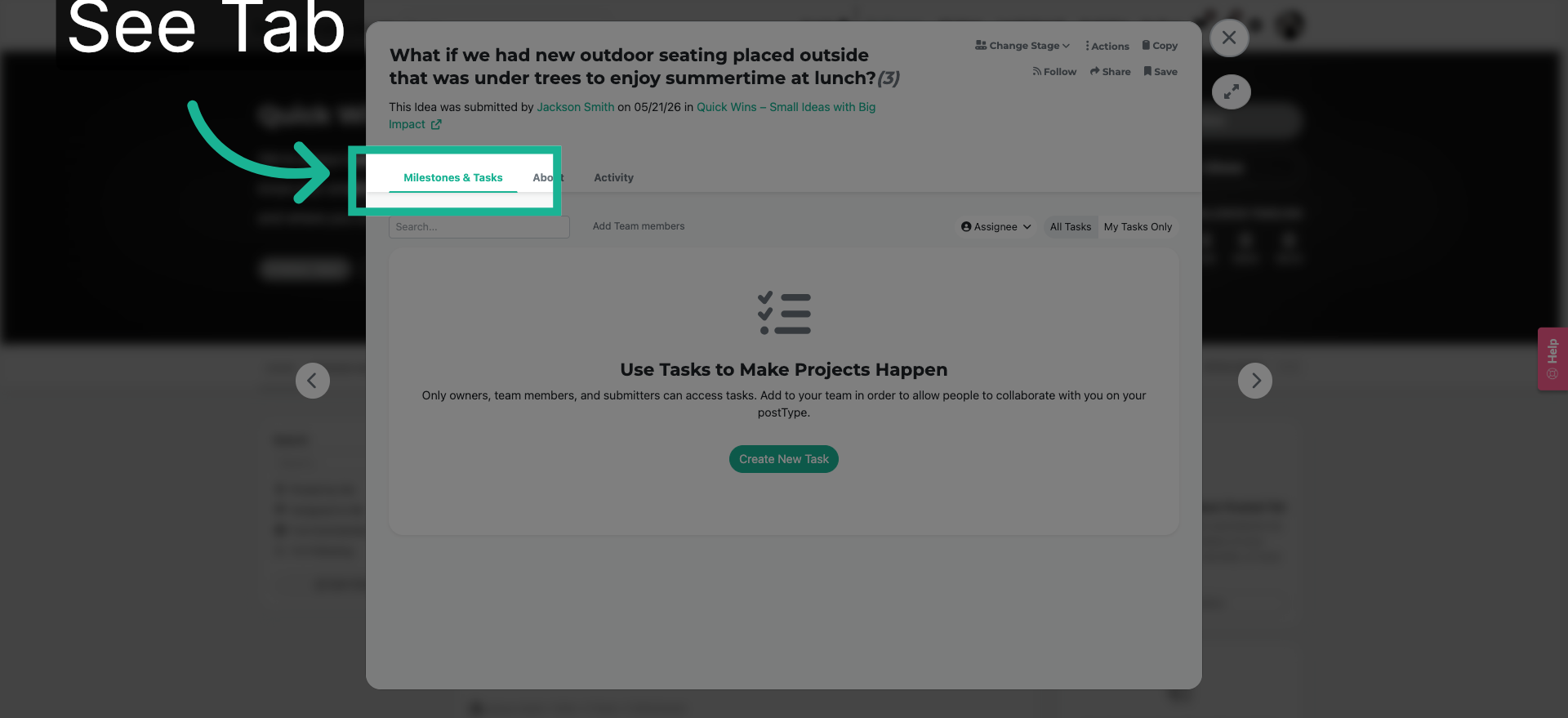
9. Initiate New Task Creation
This is the space where you can create checklists, tasks and assign owners to each item. This will be covered in a future video.
You have successfully learned how to enable the milestones and tasks feature at the challenge level.