![ideawake-logo-simple-no-padding-1.png]](https://academy.ideawake.com/hs-fs/hubfs/ideawake-logo-simple-no-padding-1.png?height=30&name=ideawake-logo-simple-no-padding-1.png)
This tutorial guides you through resetting your password.
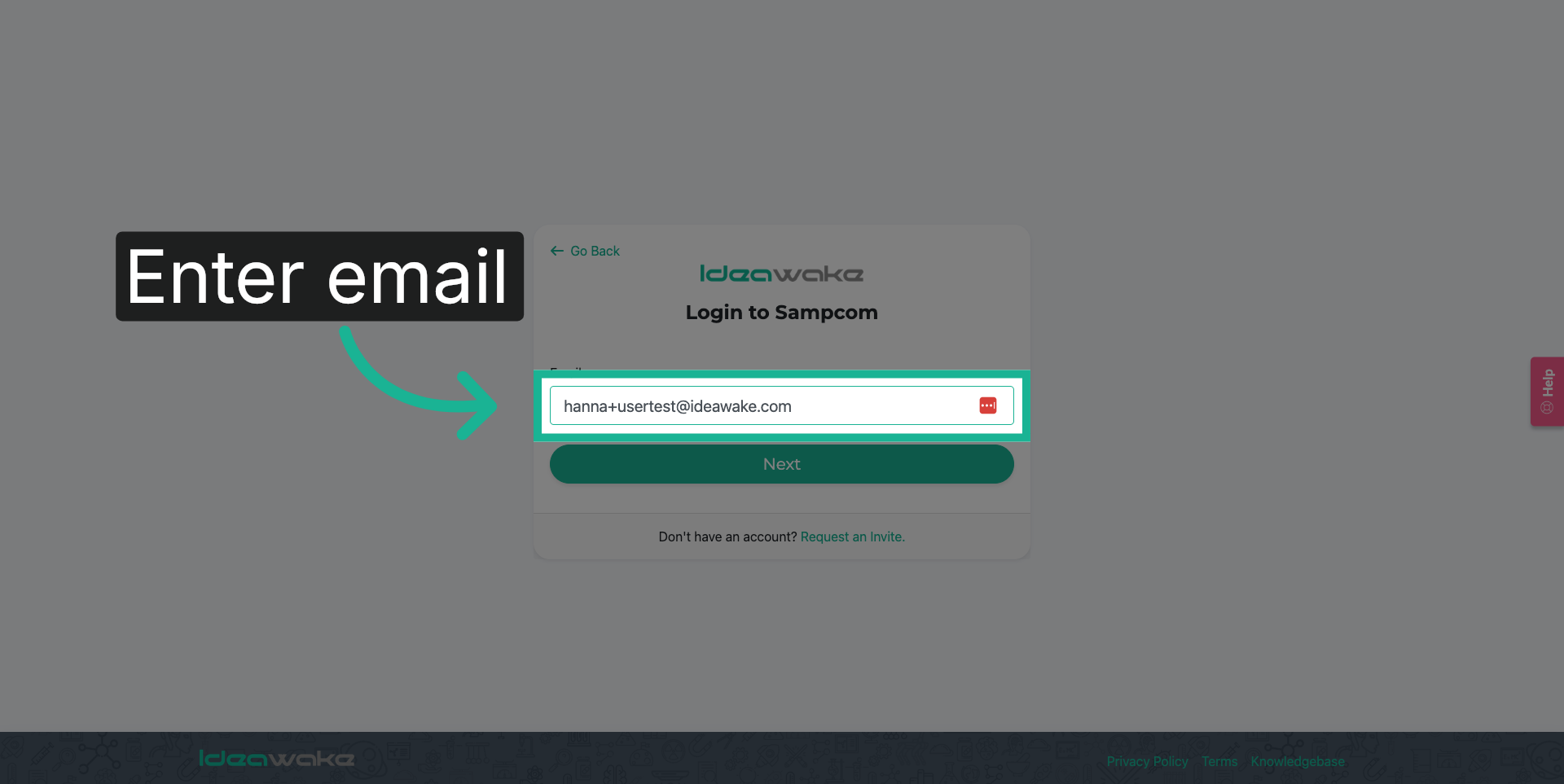
1. Enter Email Address
Enter your email address in the provided field to identify your account.
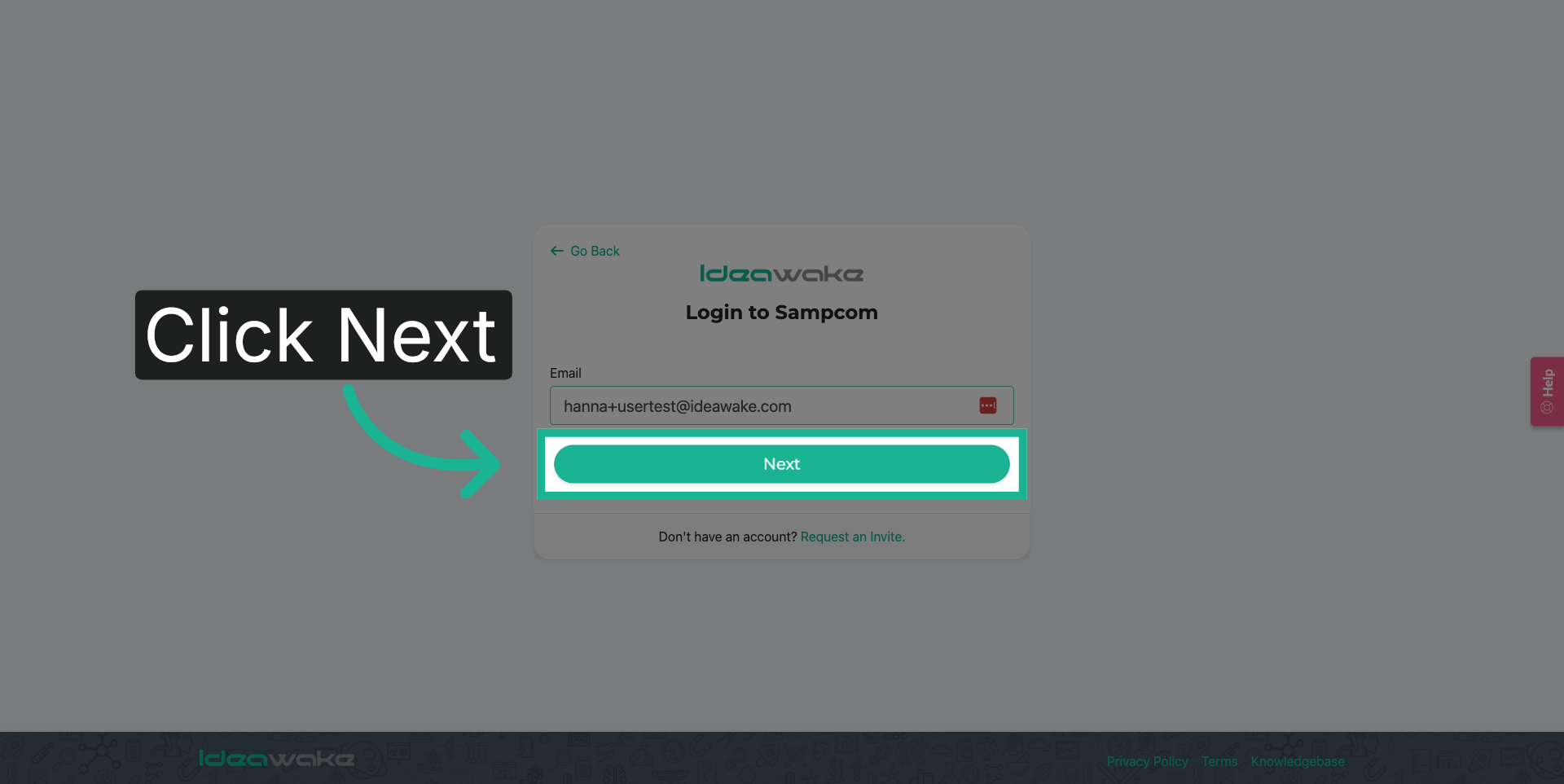
2. Proceed to Next Step
Click the "Next" button to continue with the login process.
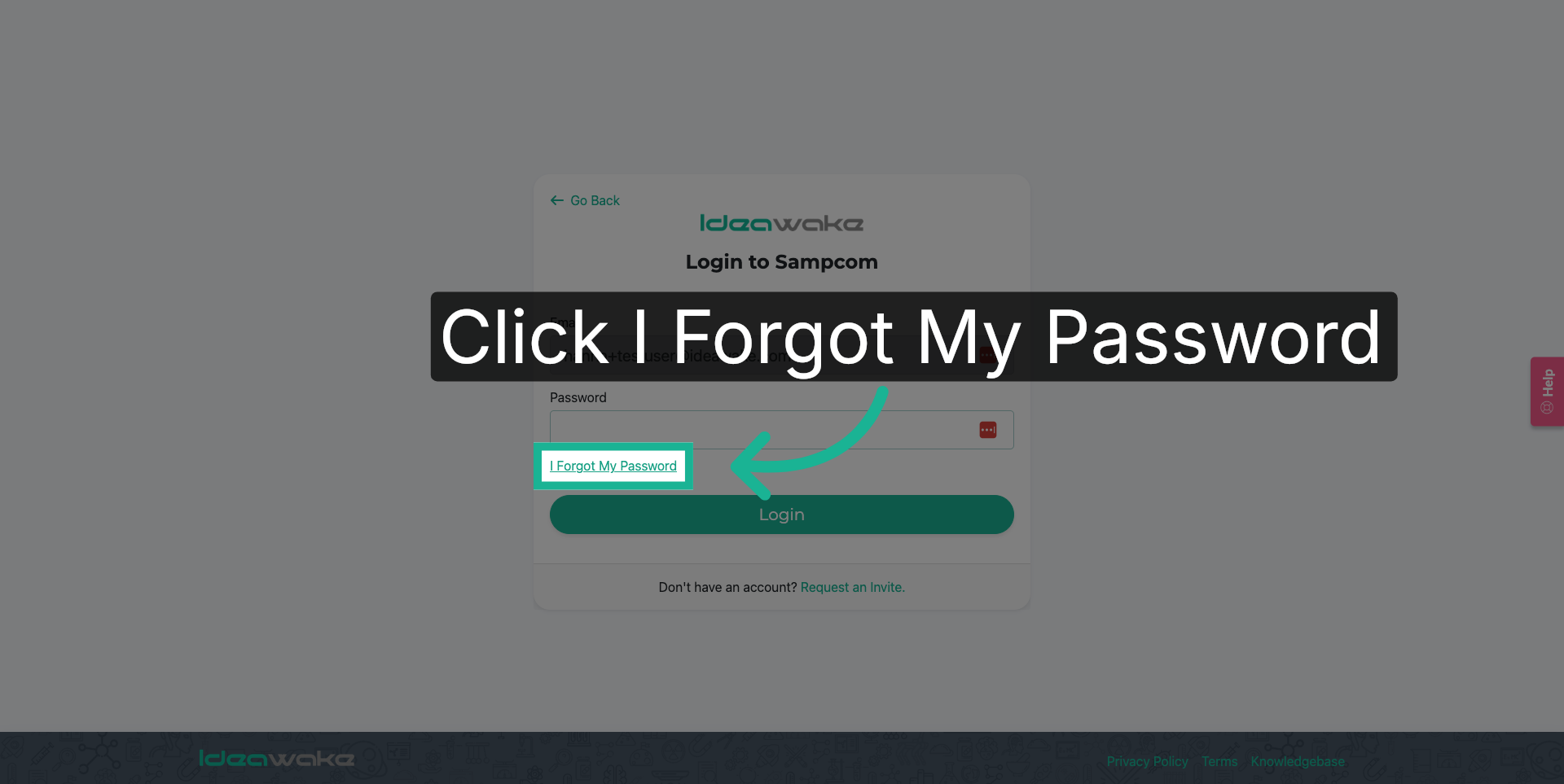
3. Click "I Forgot My Password" Button
Click the "I Forgot My Password" button to initiate the password reset procedure.
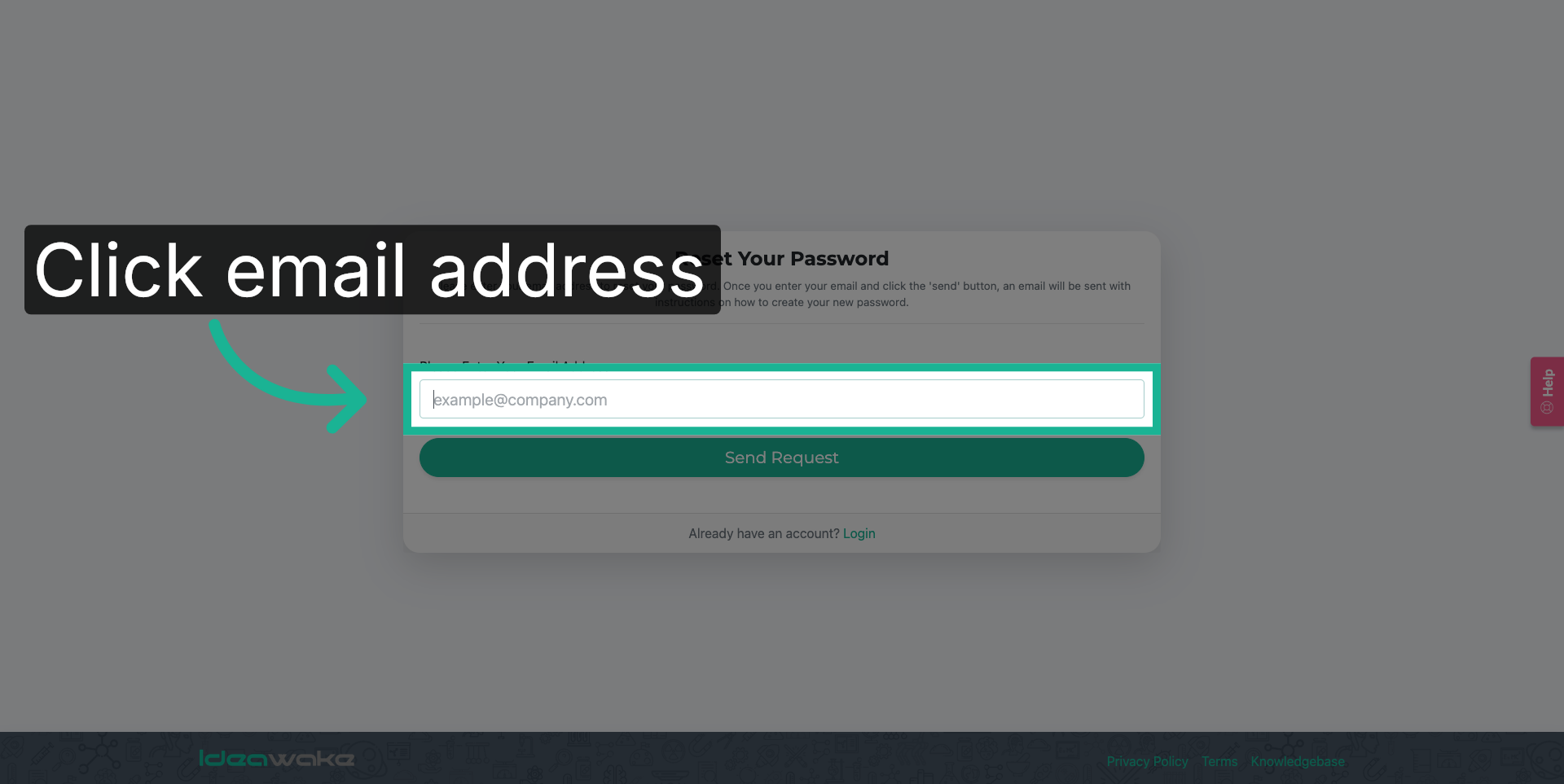
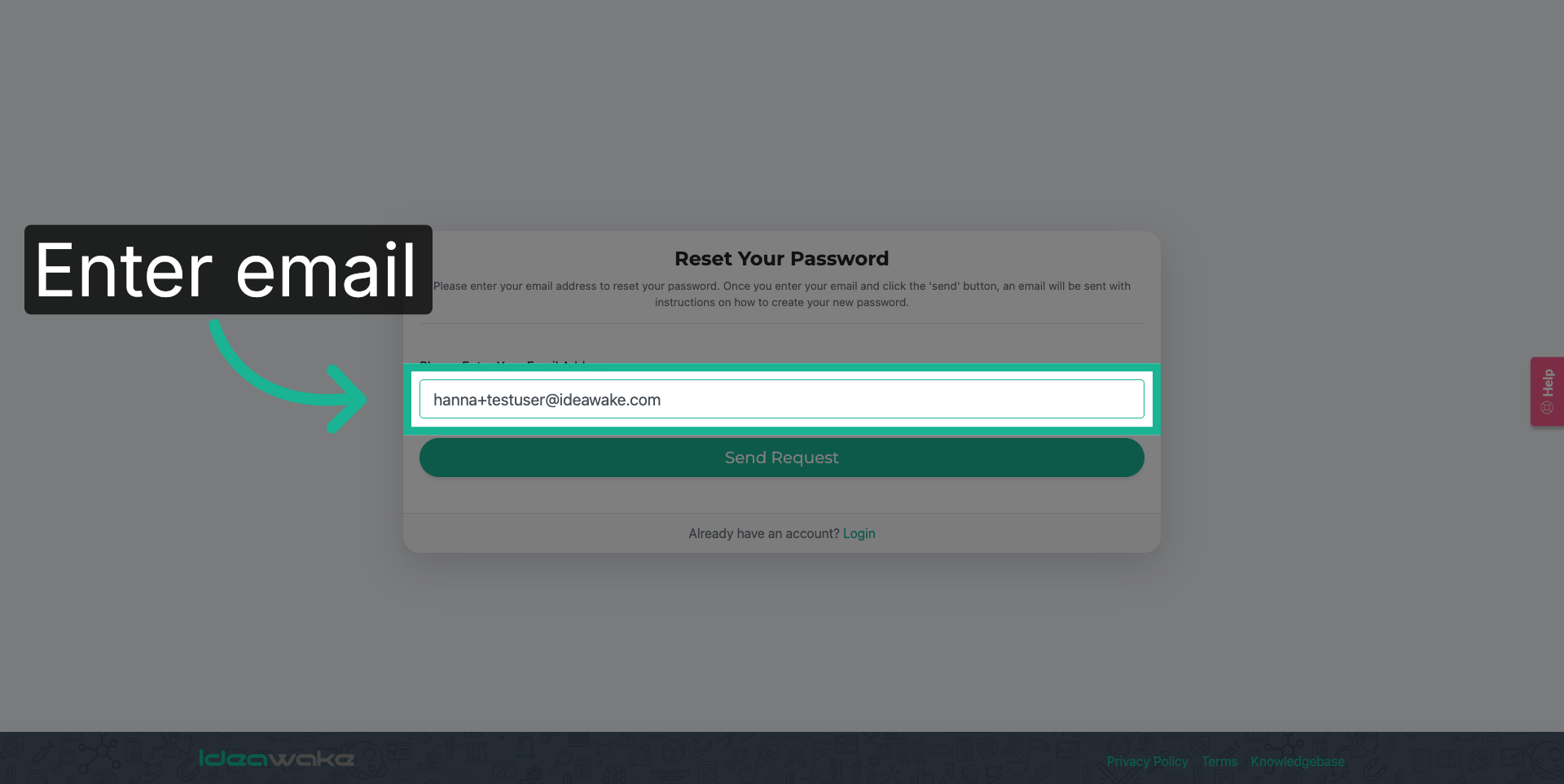
4. Choose Email Address
Enter your email address.
5. Re-enter Email Address
Enter your email address again to confirm your identity for the password reset.
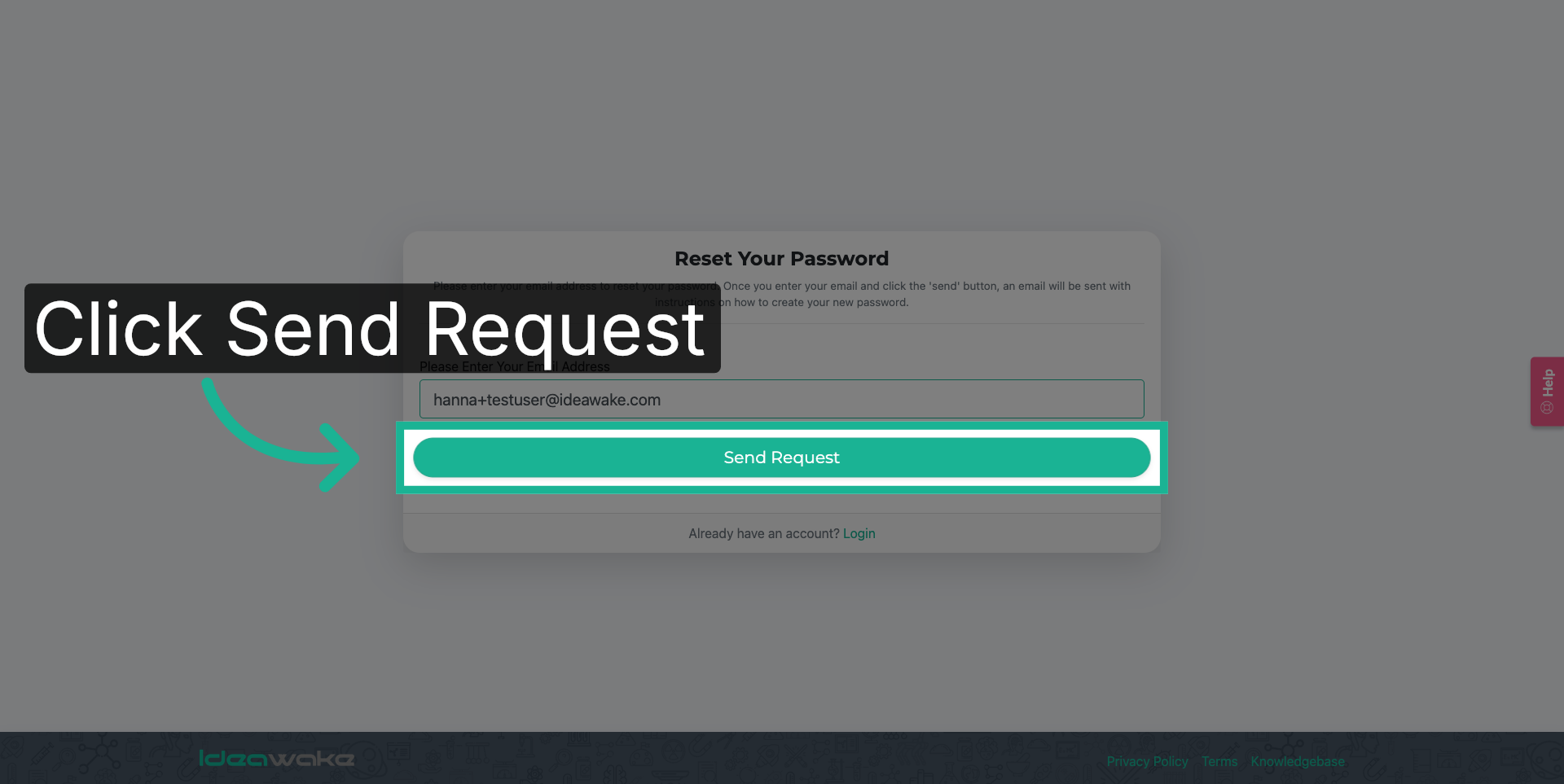
6. Click Send Reset Button
Click the "Send Request" button to submit your password reset request to Ideawake.
7. Confirmation Message
A notification will appear to acknowledge the confirmation message.
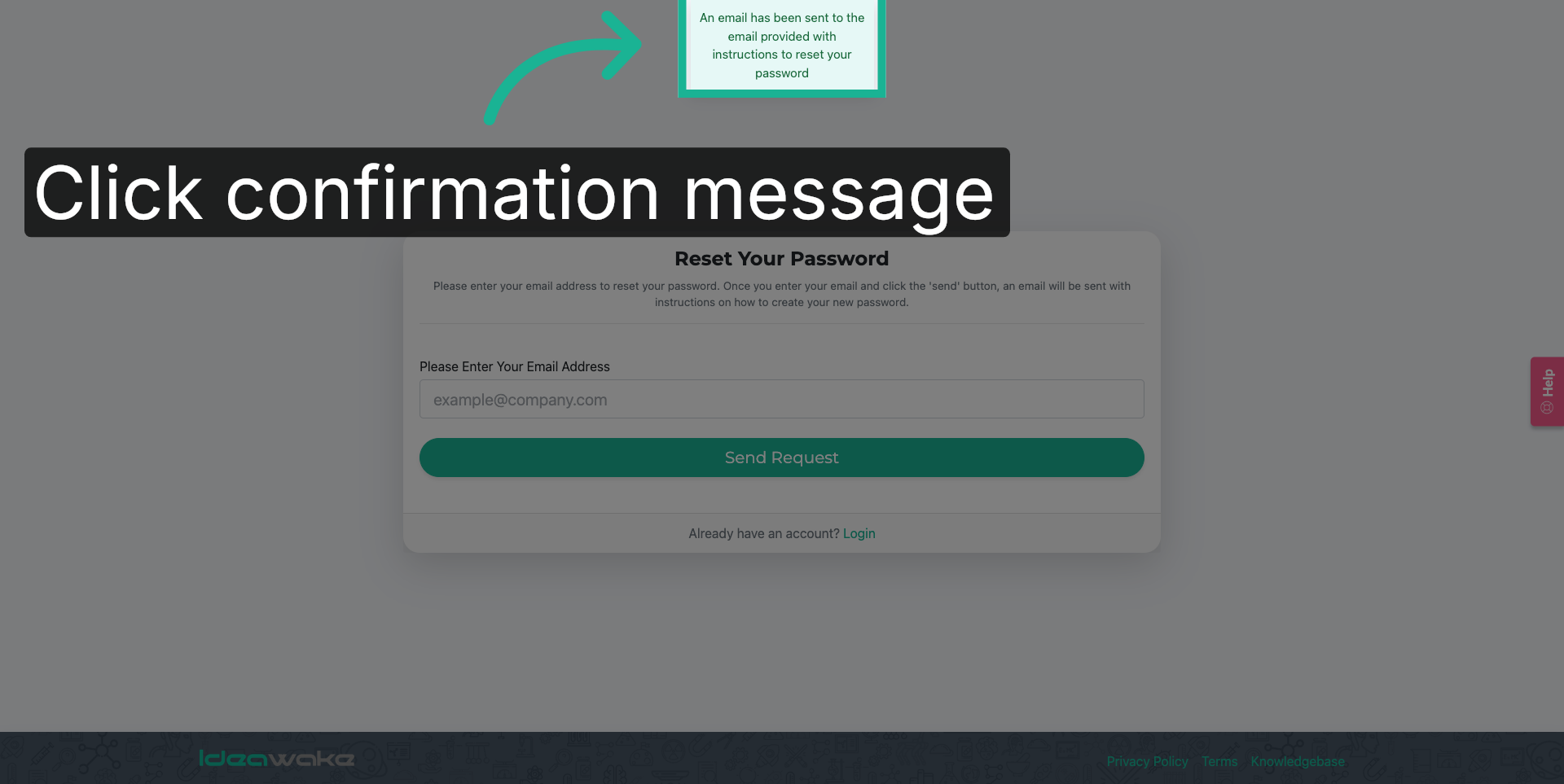
Follow the instructions sent to your email to complete the password reset process.