![ideawake-logo-simple-no-padding-1.png]](https://academy.ideawake.com/hs-fs/hubfs/ideawake-logo-simple-no-padding-1.png?height=30&name=ideawake-logo-simple-no-padding-1.png)
This tutorial guides you through editing a comment.
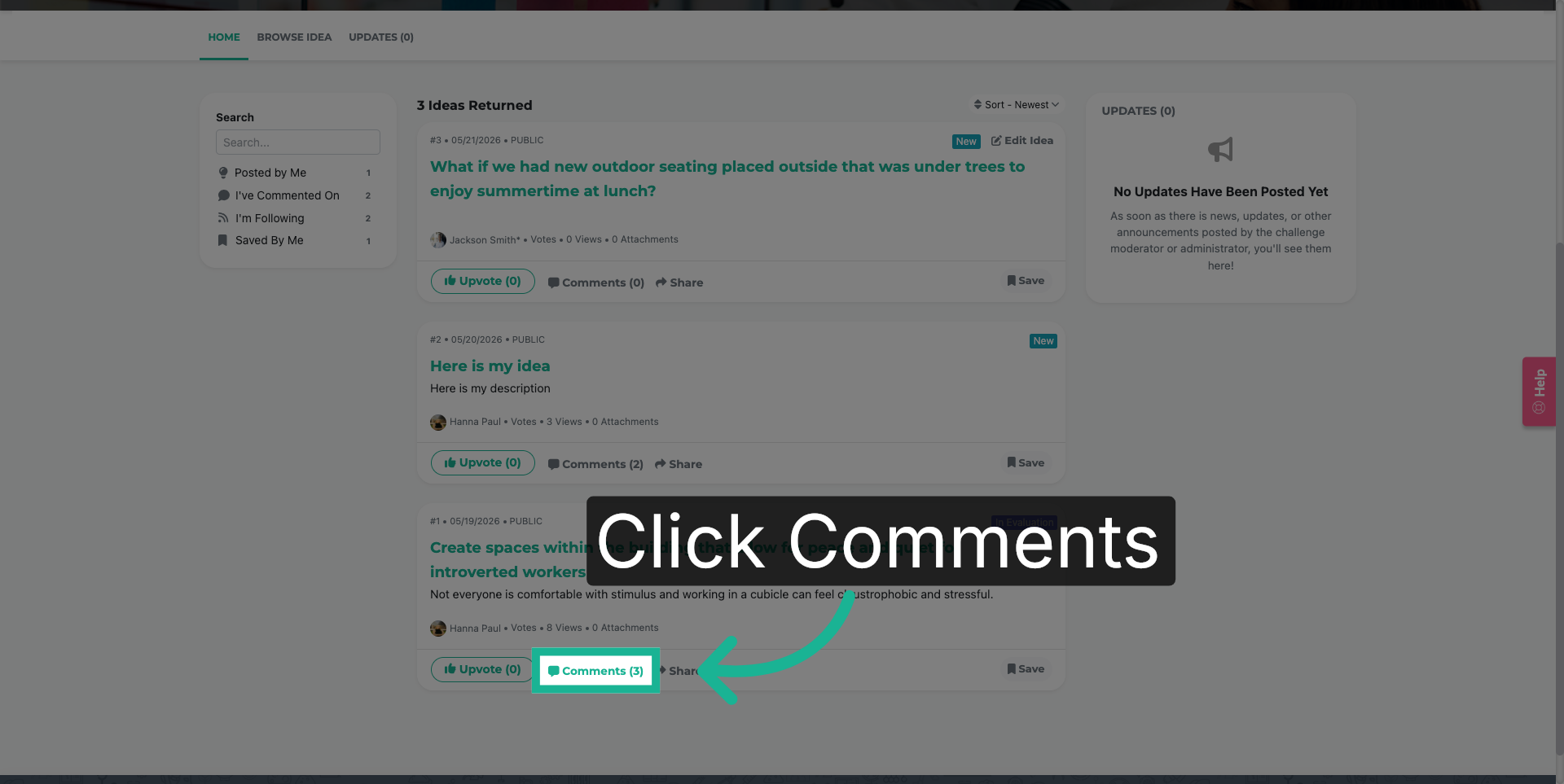
1. Open Comments Panel
Click "Comments (" to view the existing comments associated with the project.
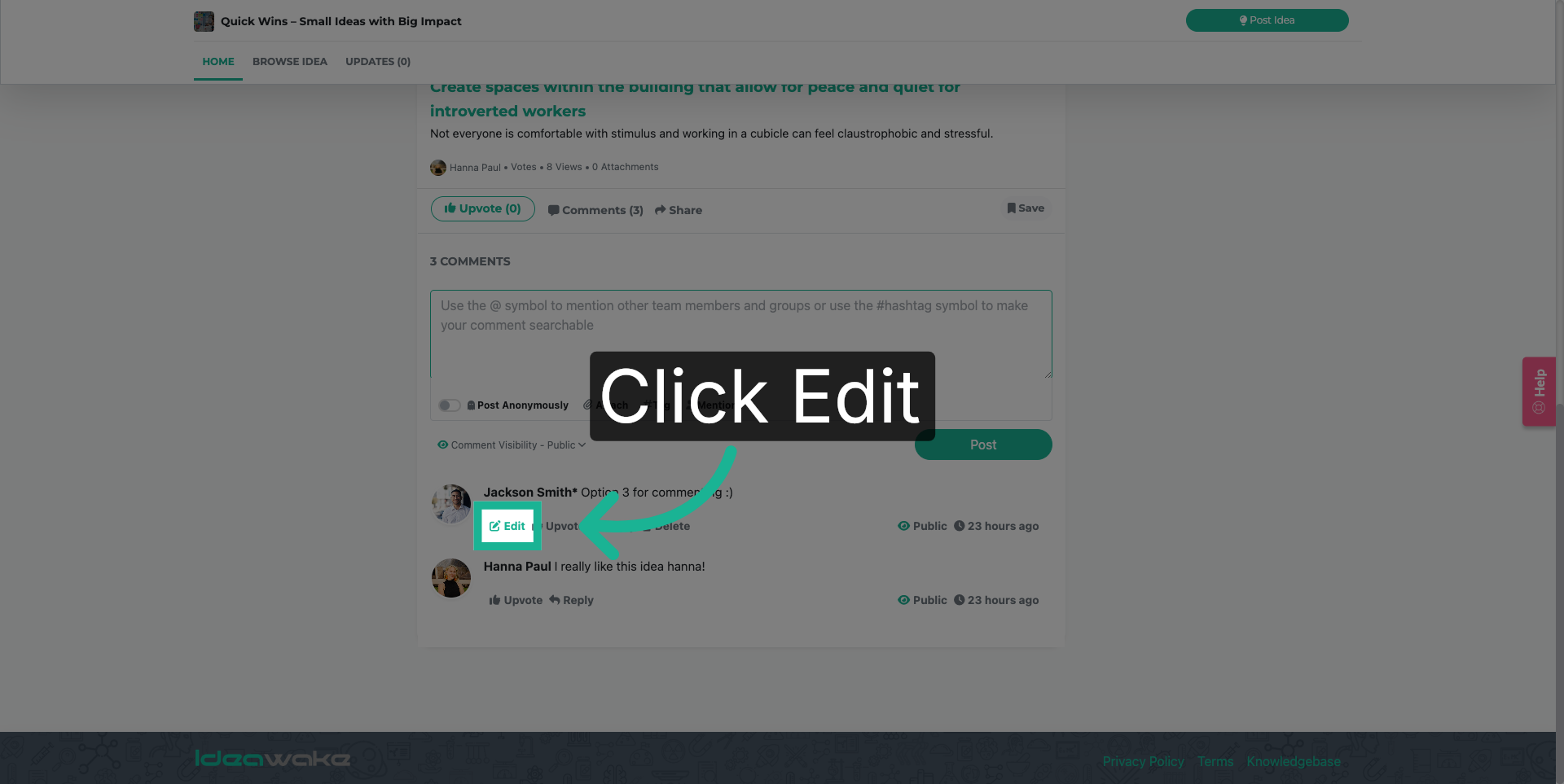
2. Enter Edit Mode
Click "Edit" to modify the commenting options for the selected item.
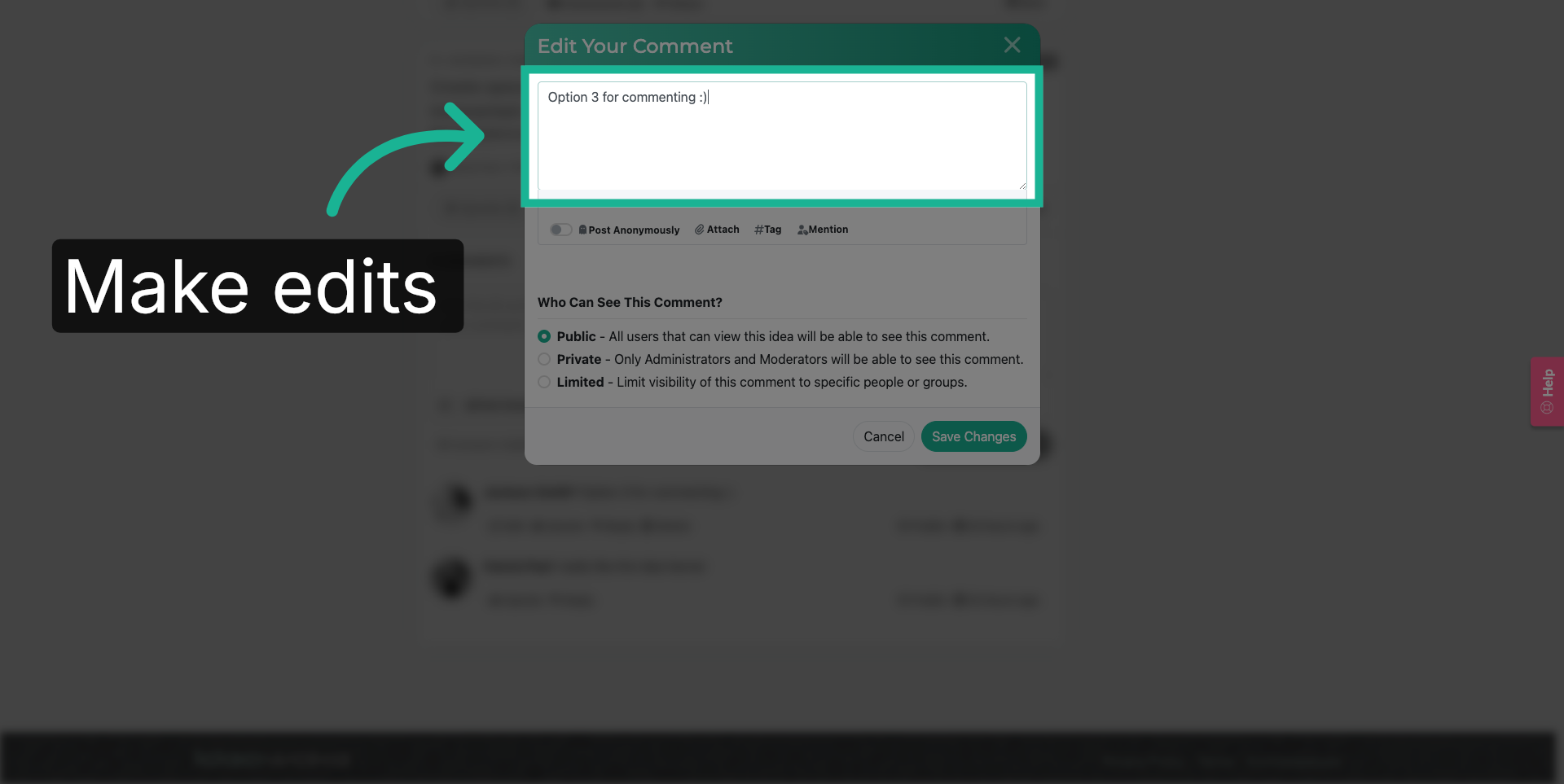
3. Select Commenting Option
Make edits.
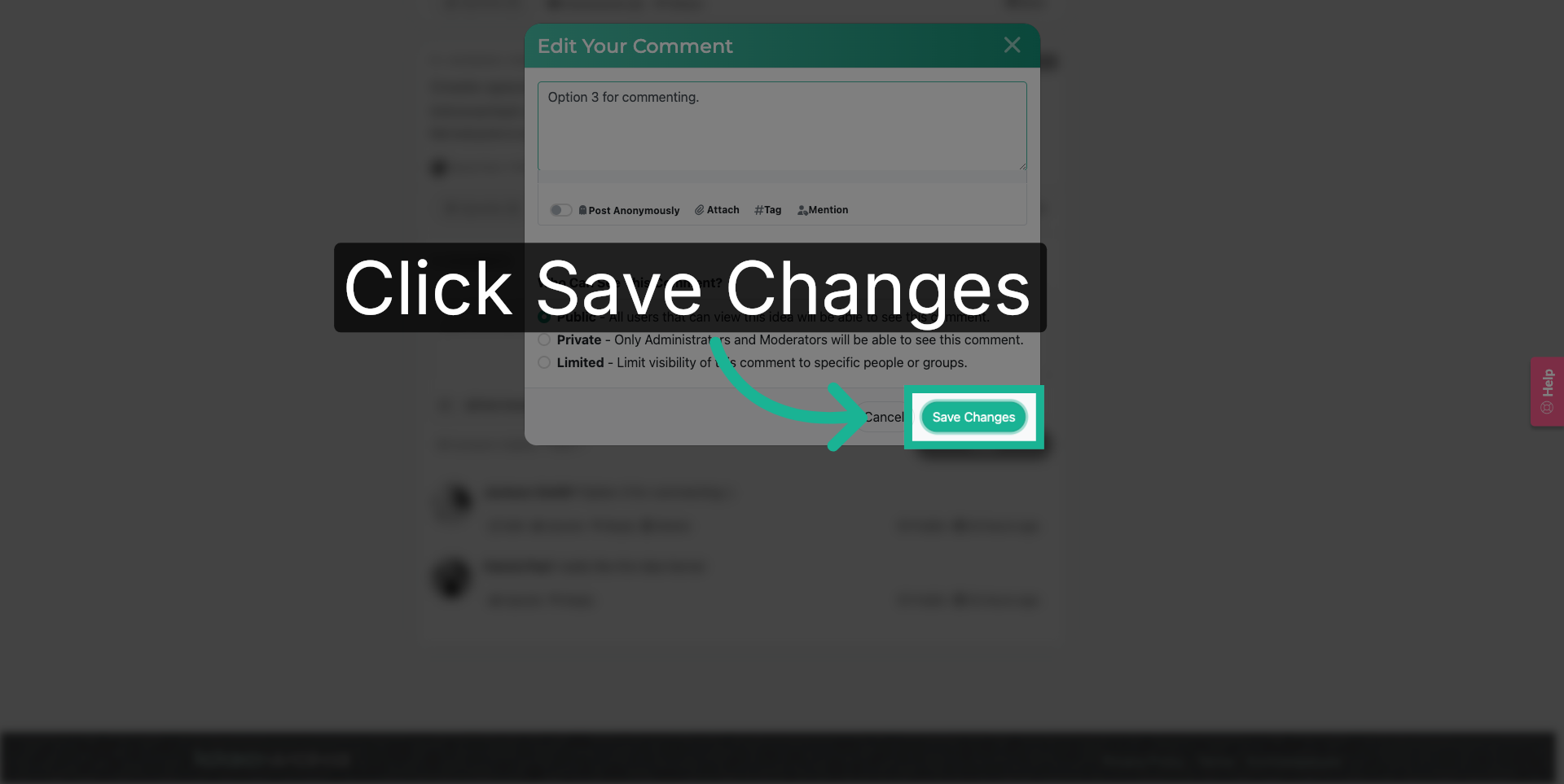
4. Save First Changes
Click "Save Changes" to apply the updates made.
You have successfully updated and saved the commenting option within the Ideawake platform.