![ideawake-logo-simple-no-padding-1.png]](https://academy.ideawake.com/hs-fs/hubfs/ideawake-logo-simple-no-padding-1.png?height=30&name=ideawake-logo-simple-no-padding-1.png)
This tutorial guides you through editing a workflow title and or description in Ideawake.
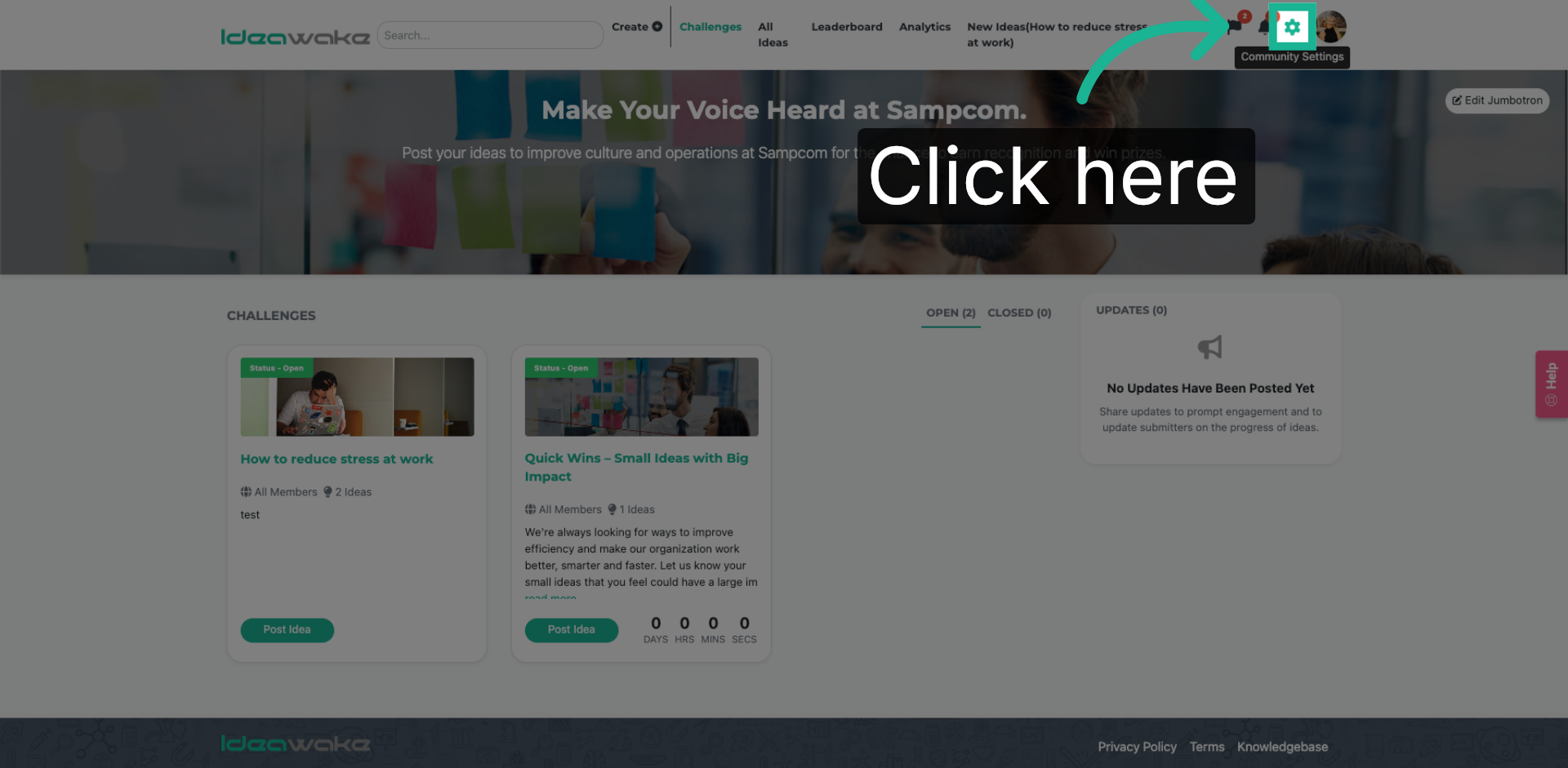
1. Access Workflow Management
Click here to access the workflow management section in Ideawake.
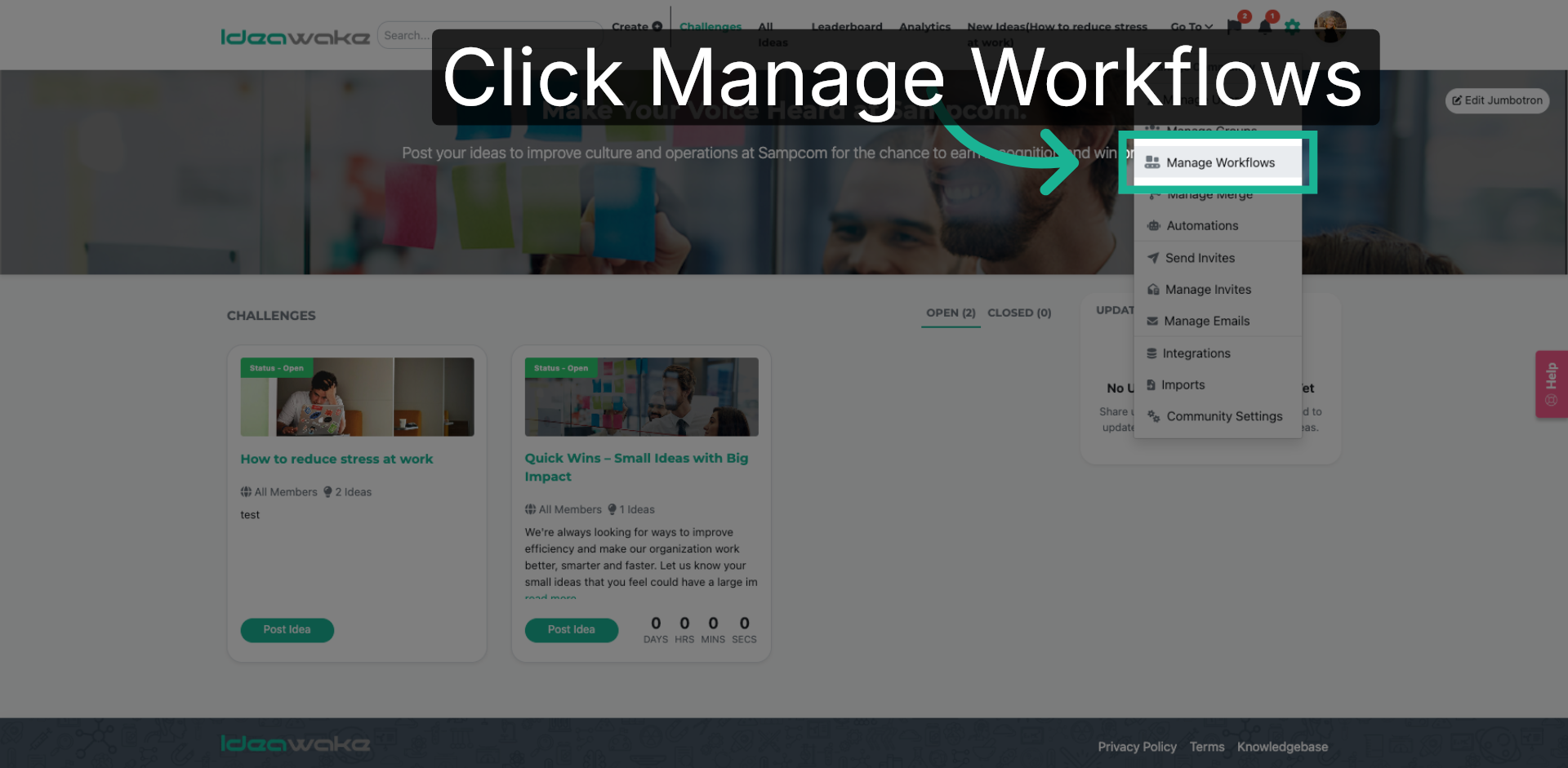
2. Open Manage Workflows
Select on "Manage Workflows" from the drop down menu to view and manage existing workflows.
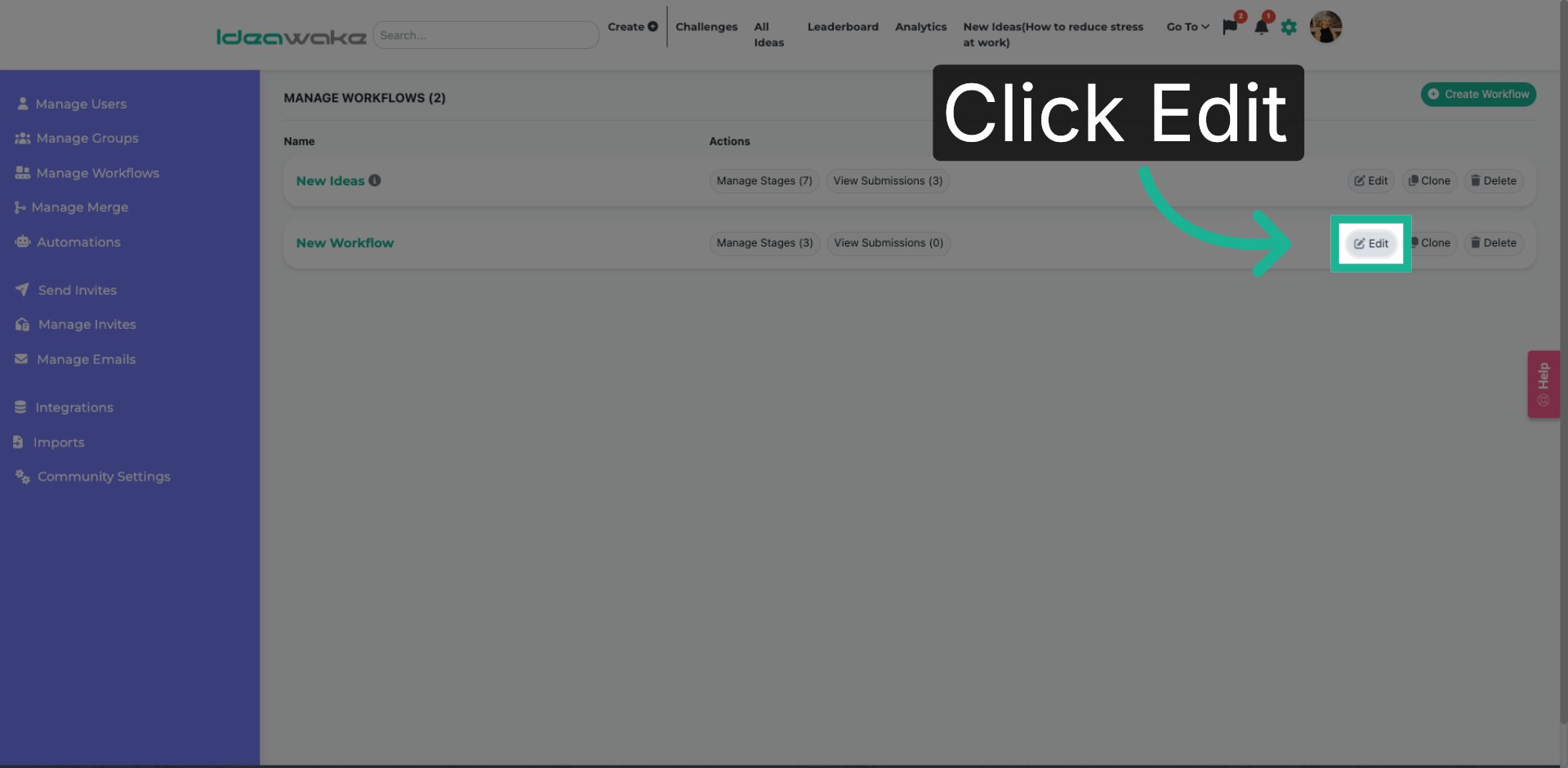
3. Edit Existing Workflow
Click on the "Edit" to modify an existing workflow title or description.
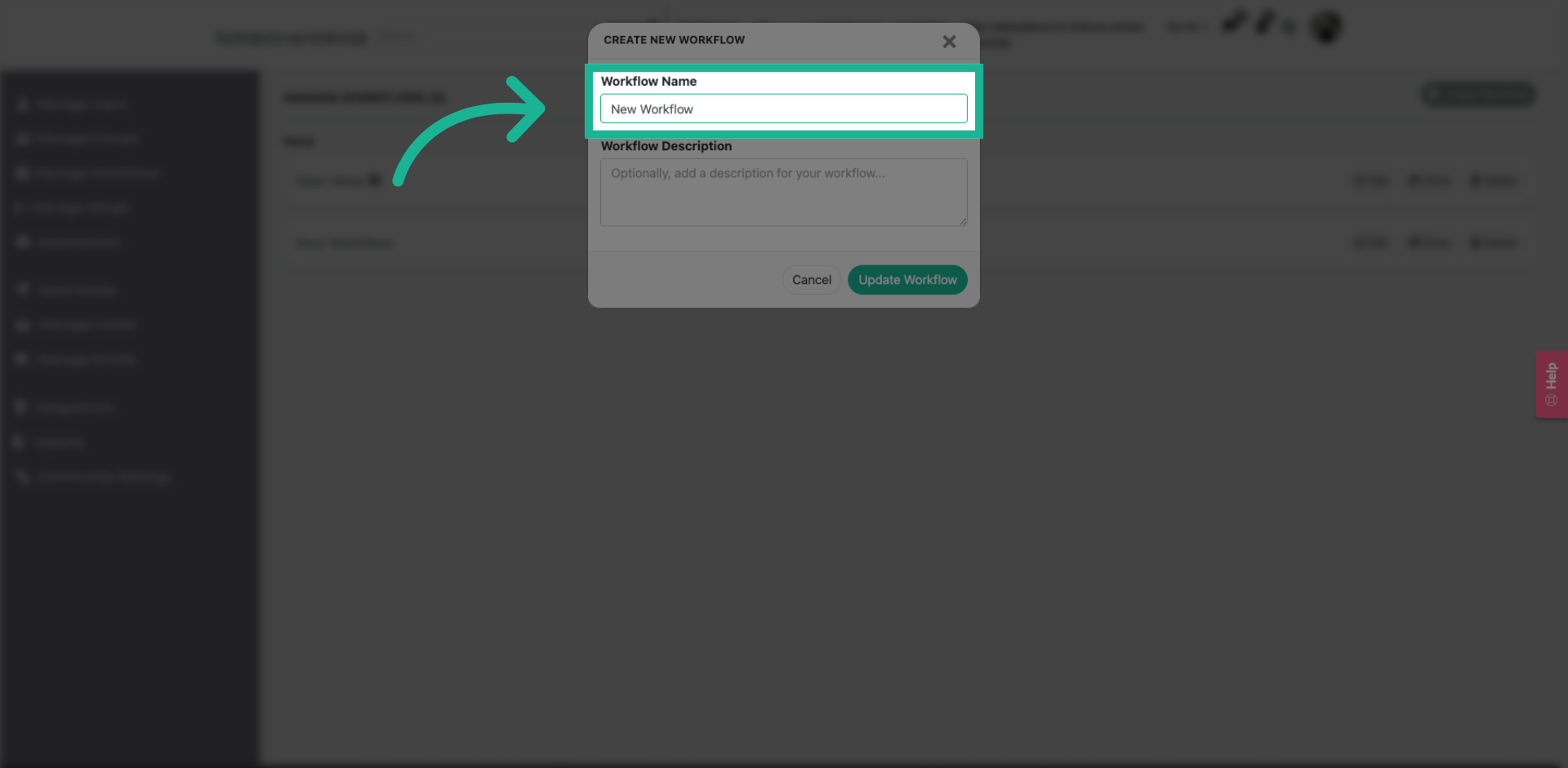
4. Create New Workflow
Update the title.
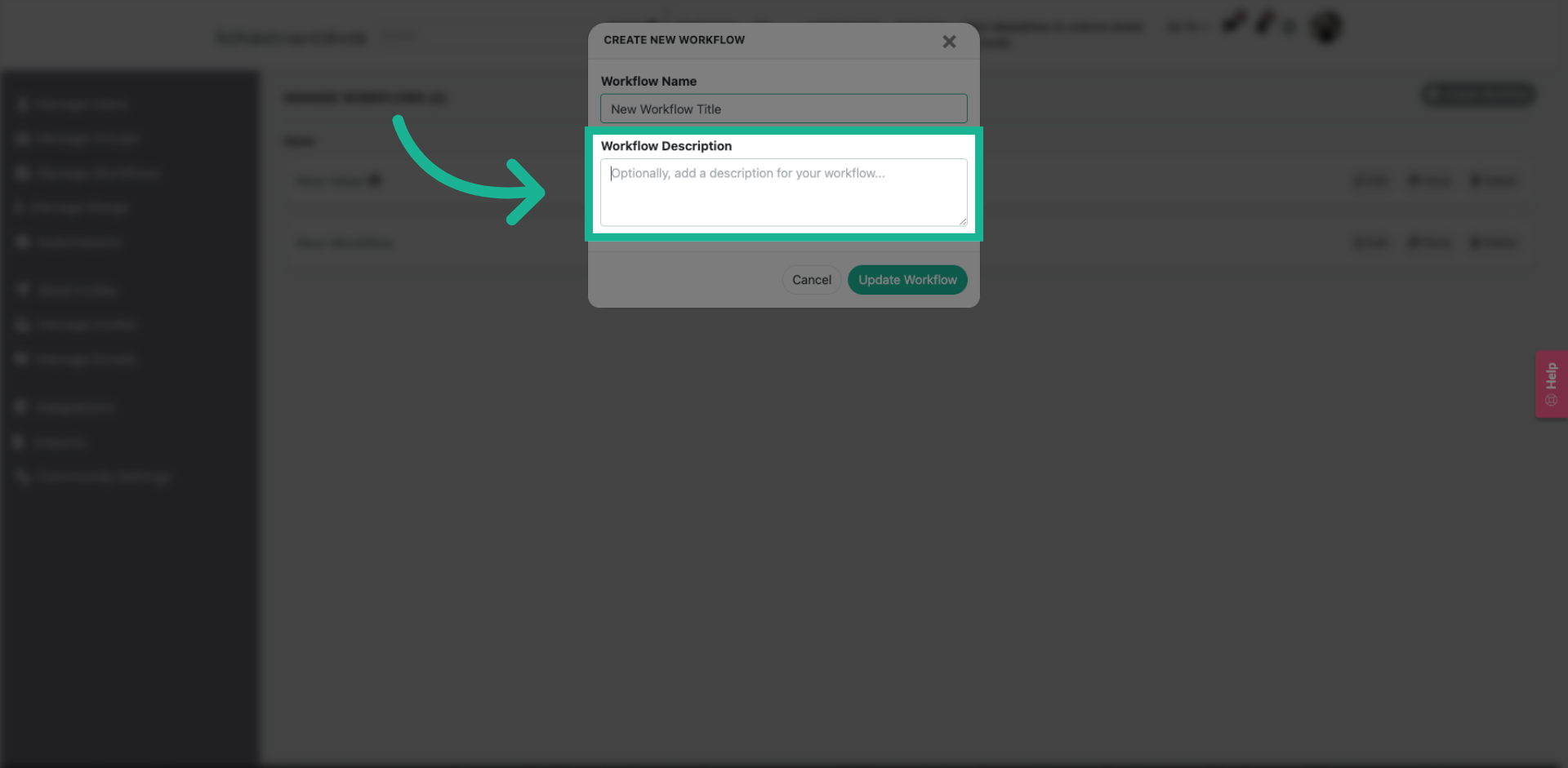
5. Add Workflow Description
Update the title
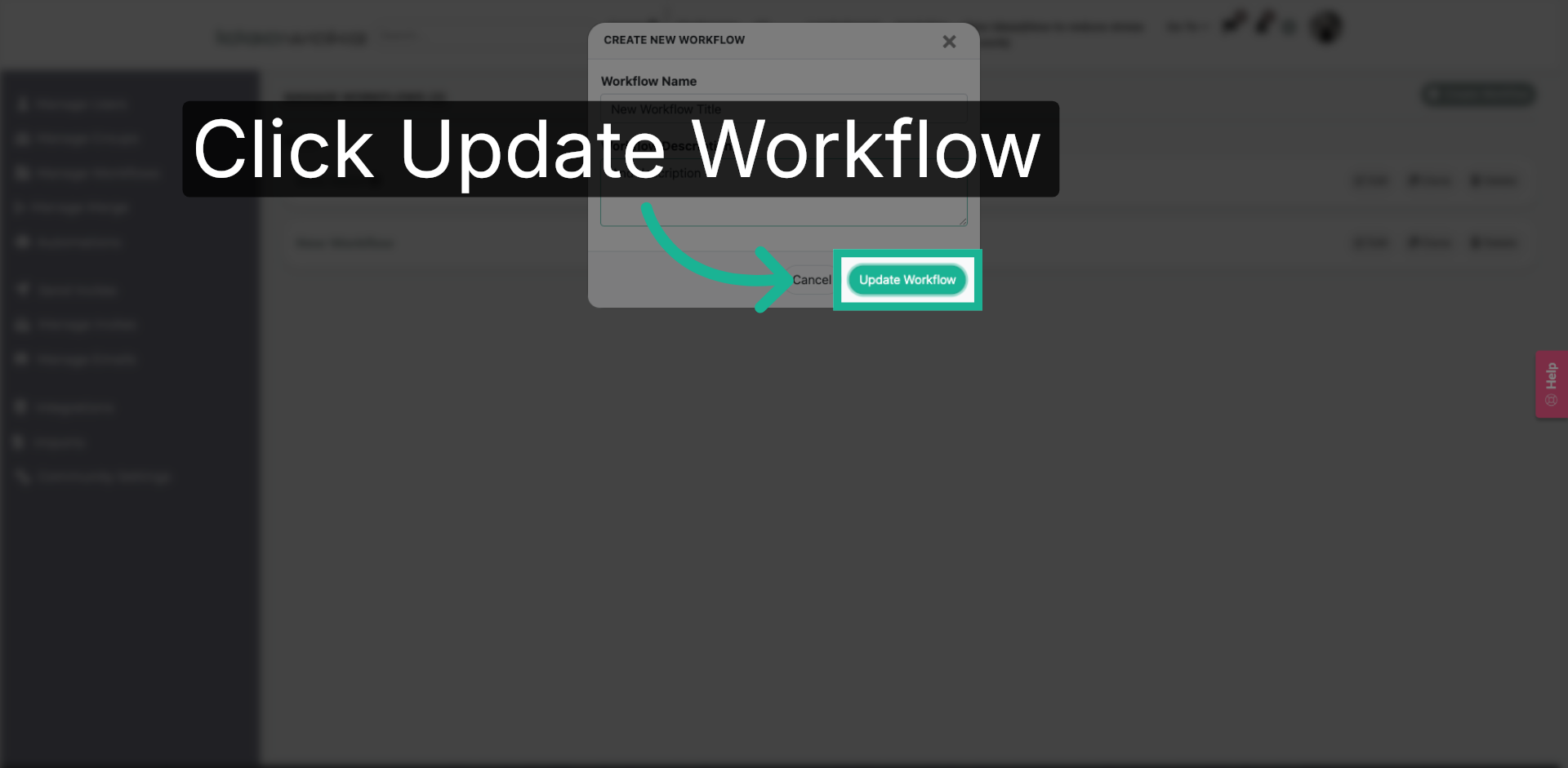
6. Update Workflow
Click the "Update Workflow" button to save your new workflow and apply changes.
You have successfully learned how to update a workflow title.