![ideawake-logo-simple-no-padding-1.png]](https://academy.ideawake.com/hs-fs/hubfs/ideawake-logo-simple-no-padding-1.png?height=30&name=ideawake-logo-simple-no-padding-1.png)
This tutorial guides you on two ways you can post a comment on the platform.
1. Open Comments Section
Click "Comments".

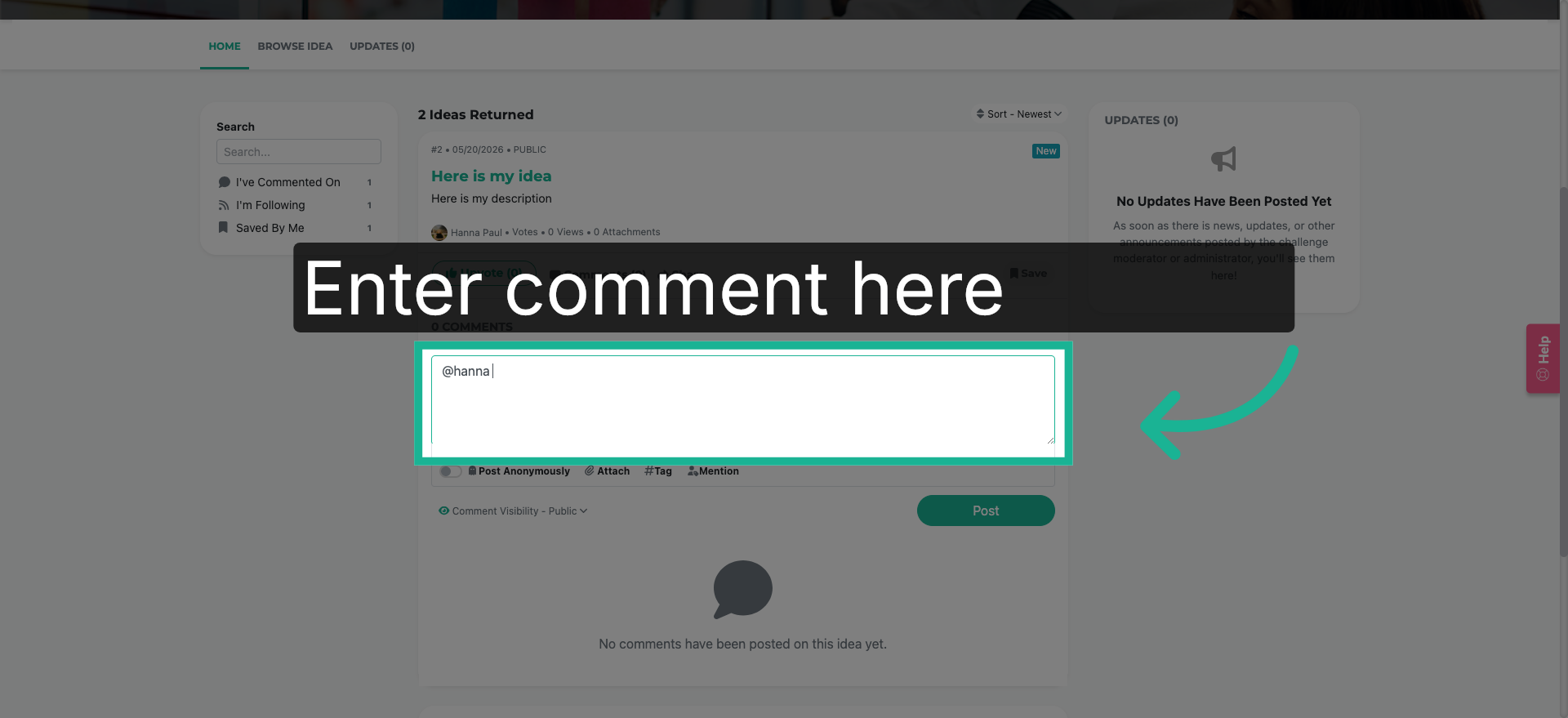
2. Enter Comment
A provided text field will appear. Click on the provided space and begin entering your comment. You can tag users using the @ symbol.
3. Post Comment
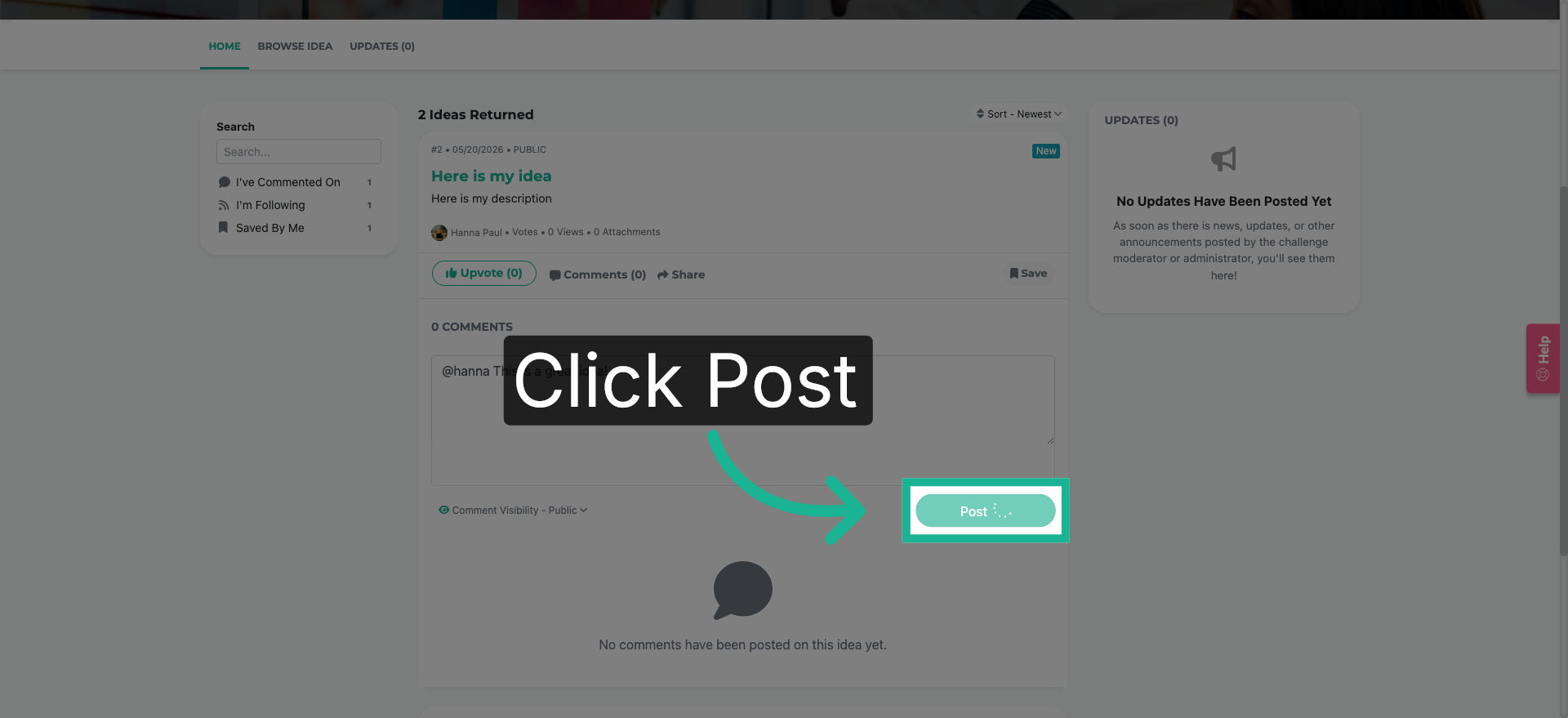
Click "Post" to submit your comment and share your feedback with the team.
4. Browse Ideas List
Option 2. Click "Browse Ideas"

5. Open Another Idea
Click on the idea title you wish to comment on.

6. Access Commenting Guidelines
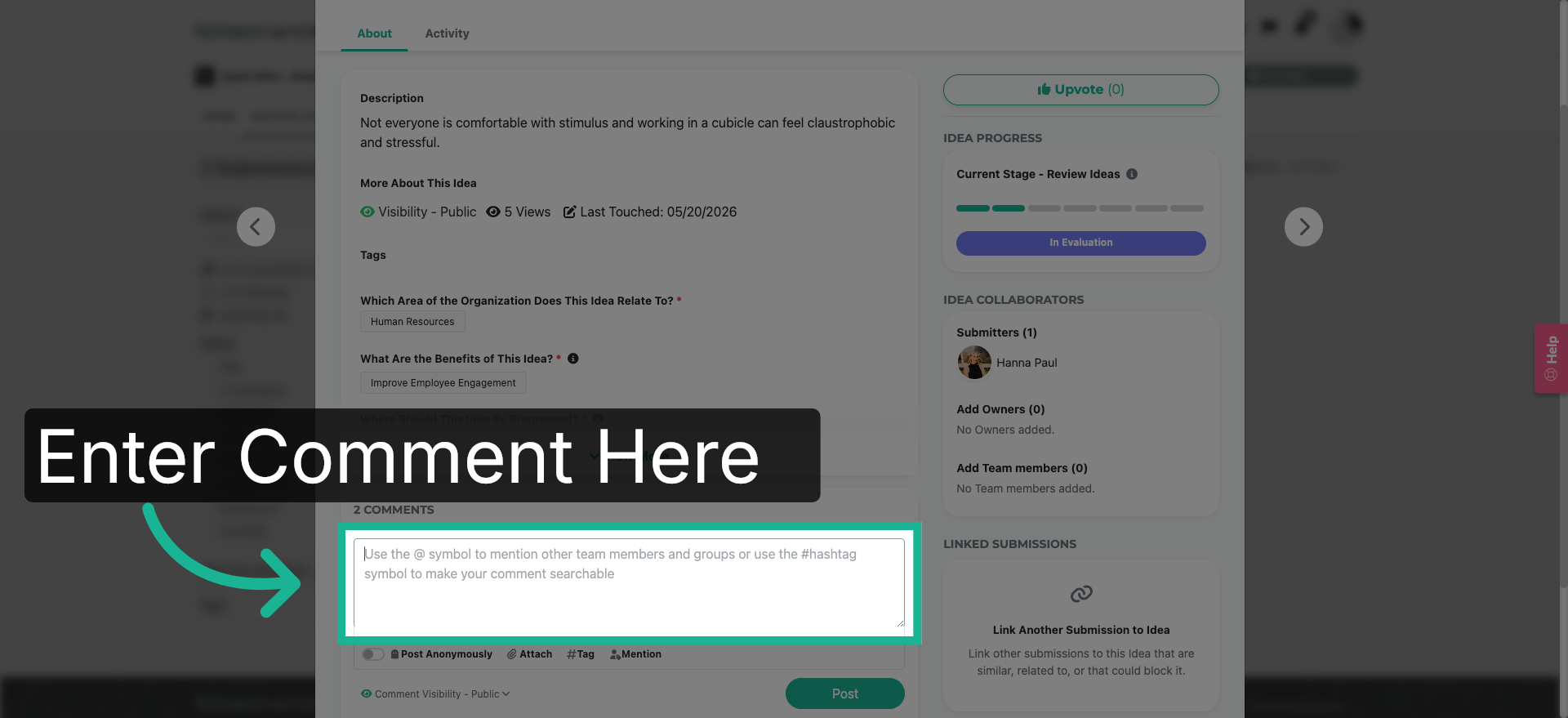
A pop-up will appear.Click on the provided space and enter your comment.
7. Post Final Comment
Click "Post" to submit.

You have successfully learned how to comment on an idea. Woohoo